
The Ultimate Guide to Turn glTF Files into Omniverse SimReady USD Content
General Information
| Format Name | glTF |
|---|---|
| Long Name | Graphics Library Transmission Format |
| Extensions | .glb, .gltf |
| Internet Media Type (previously MIME) | unspecified |
| Common Use Cases | Animation, VFX, Games, Architecture |
What is the glTF format, and what is it used for?
The Graphics Library Transmission Format (glTF) is a 3D format designed to serve as the "JPEG for 3D" - a standard, lightweight last-mile delivery format, for use on the Web and in real-time scenarios. It is royalty-free, standardized, and available for use in nearly all popular 3D and other applications nowadays (including MS Office, but also Web renderers like ThreeJS or BabylonJS. It is a file format mostly used for interactive 3D, on the Web and elsewhere (e.g., in XR).
Omniverse supports various file formats. However, the native file format is USD, which is the officially recommended file format for best performance.
USD (Universal Scene Description) is the primary format for Omniverse SimReady data, it enables 3D assets to be used in simulation environments such as NVIDIA Omniverse, PhysX, and more. For this to work properly, USD assets must adhere to the USD standard, and ideally bring metadata that helps to inform downstream simulation use cases about various simulation-relevant properties of the 3D asset.
There are various ways to generate USD files, but especially when starting from non-simulation formats like glTF, it is not easy to perform a good conversion. Additional required steps might include material assignment (in case realistic materials are desired) and related steps like UV generation, but also metadata transfer from the original file to the final Omniverse SimReady USD asset.
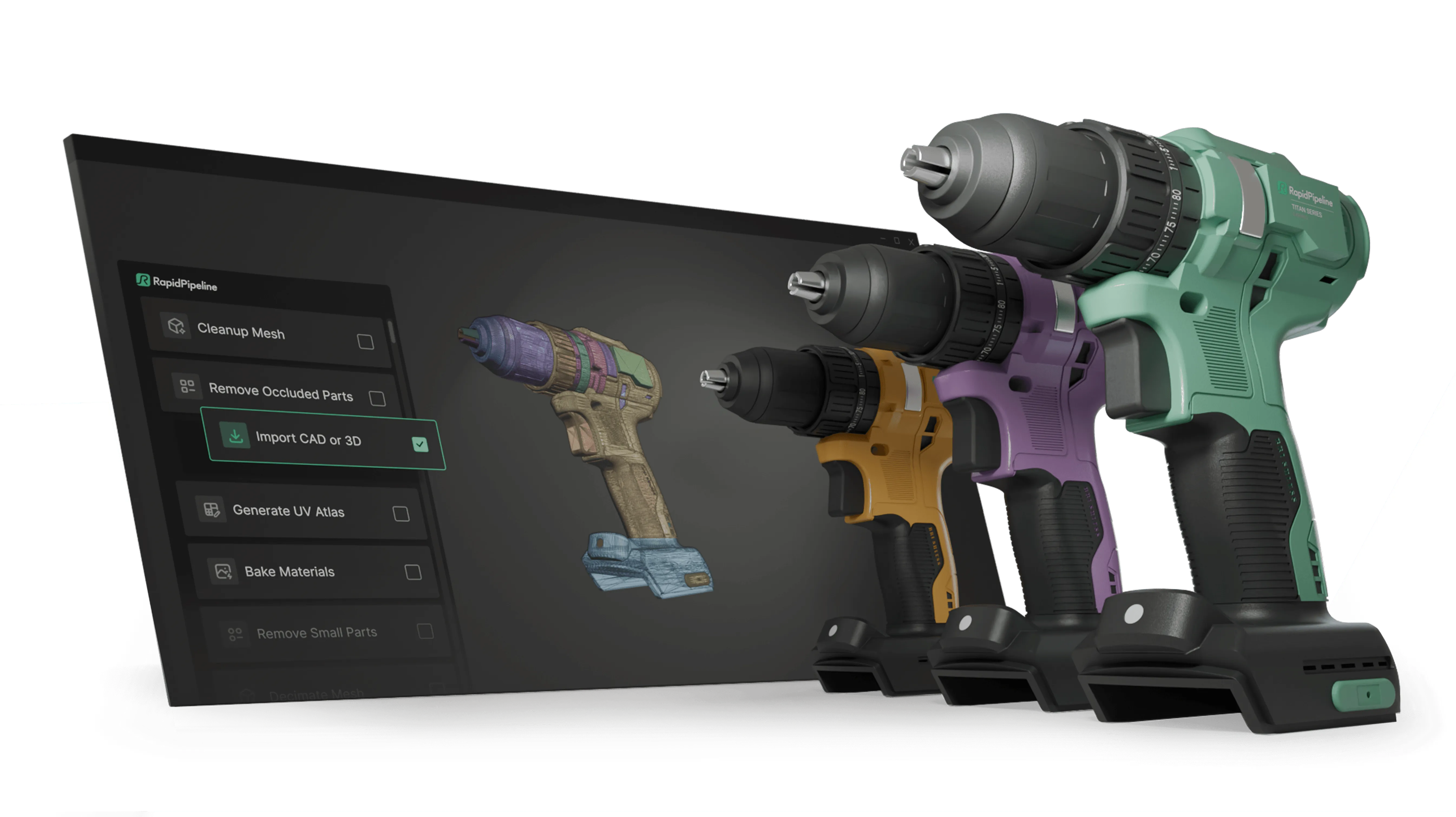
Create 3D digital twins for CGI & XR, faster than ever.
Turn your raw 3D or CAD into realistic digital twins.
Generating Omniverse SimReady USD content from glTF files in 3 easy steps with RapidPipeline
With RapidPipeline, the process of generating NVIDIA Omniverse SimReady USD content from glTF files is easy:
- Download RapidPipeline Twin Studio (free trial available), or one of the RapidPipeline 3D tool plugins.
- Perform the conversion from glTF to USD. Store the resulting USD file, it's ready to use!
- If you'd like to scale up the process, get in touch to acquire a license for the RapidPipeline 3D Processor CLI, a batch processing tool that turns your entire library of glTF files (or other files) into Omniverse SimReady USD content.
Convert glTF to Omniverse SimReady USD with RapidPipeline Twin Studio - Free Trial
Download RapidPipeline Twin Studio, open your glTF file and export it as Omniverse SimReady USD - optimized and ready to use in a few clicks. No credit card required.
⬇ Download Twin Studio & convert glTF to Omniverse SimReady USD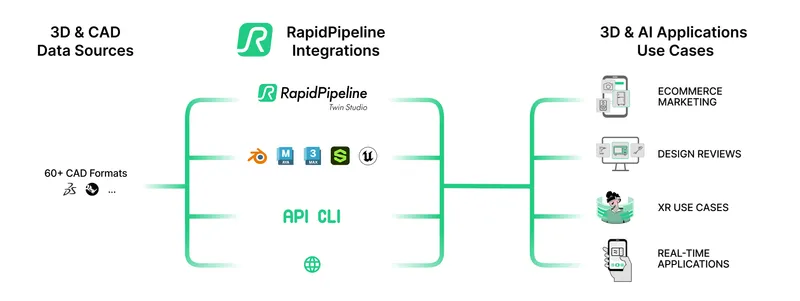
Create 3D digital twins for CGI & XR, faster than ever.
Turn your raw 3D or CAD into realistic digital twins.
Read More about glTF to USD conversion
Here is the link for more details.
To get started with 3D data conversion and optimization today, sign up for a free account!
If you have any questions, feel free to chat with our human team.
Meet the Author

3D Knowledge Team
3D Technical Artists
RapidPipeline lets you convert, optimize and prepare your 3D models, easily. Try it today, or meet our human 3D experts. The Best-in-Class Tools for Your 3D Processing Jobs