RapidPipeline for Autodesk 3ds Max
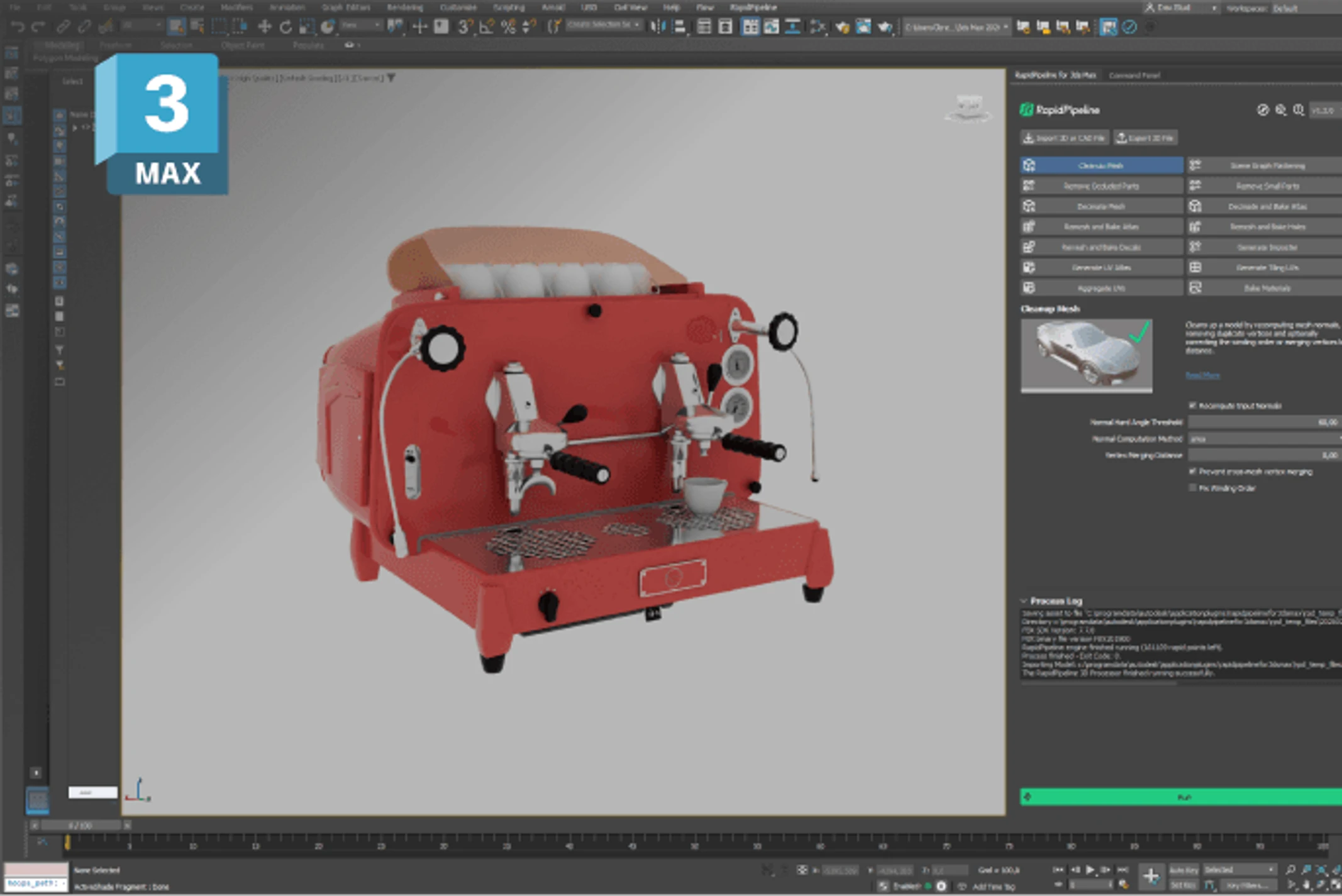
Streamline your 3D work in 3ds Max with RapidPipeline’s 3D Processor. Import CAD data, clean up messy meshes, generate UVs, and optimize models. All locally within the 3ds Max interface.
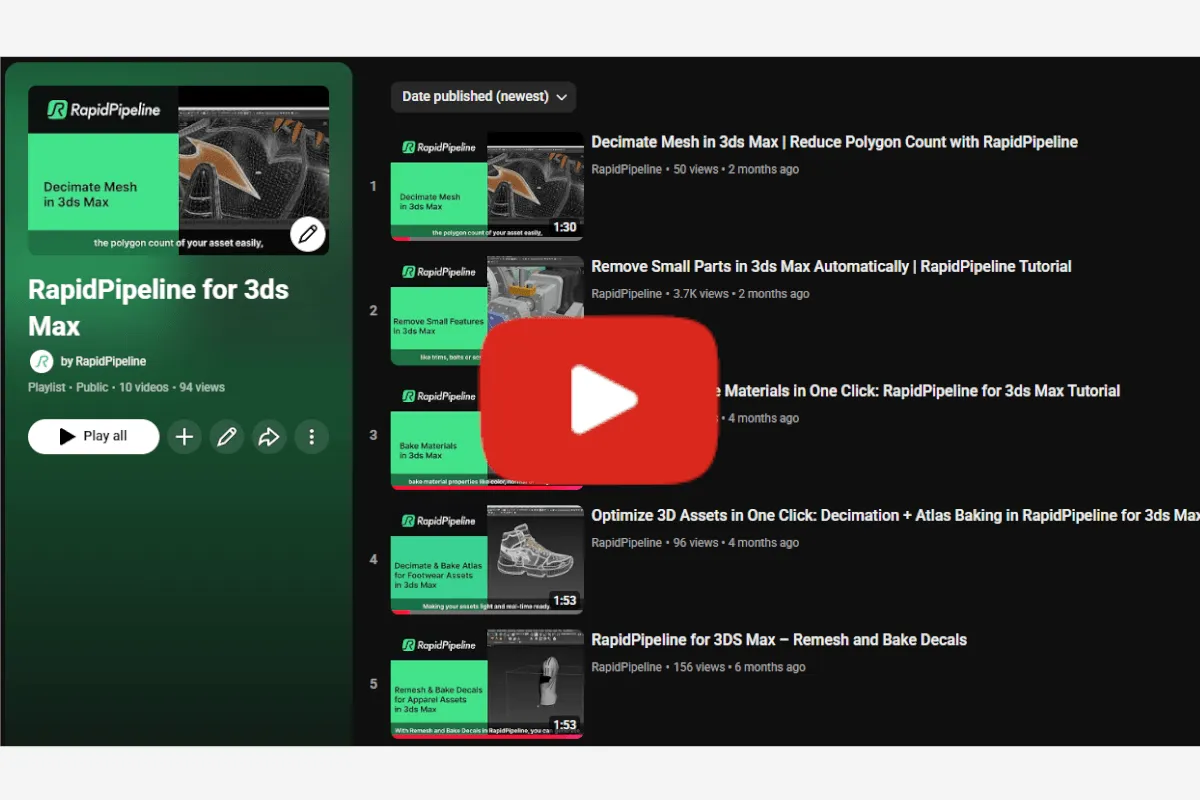
Check our Tutorials on YouTube
- RapidPipeline 3ds Max tutorials for optimizing and preparing 3D/CAD models.
- Quick workflows for cleaning, remeshing, baking assets and more.
- Intro videos showing the add‑on basics and fast model transformation.
Learn More
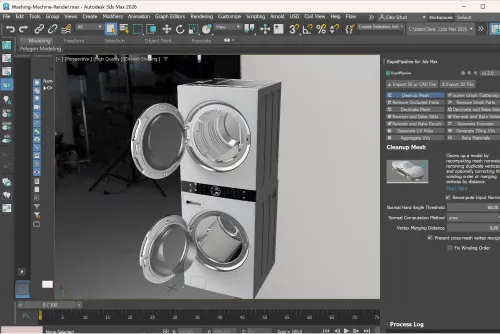
Process Smarter, Keep It Local
- No usage caps: Unlimited processing.
- 100% local: no data-exchange.
- Keeps all your assets securely on your computer.
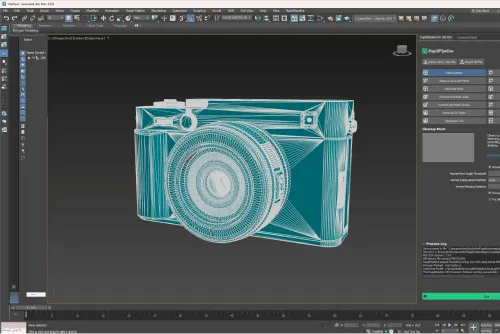
Import 60+ CAD and 3D Formats into 3ds Max
- Load over 60 CAD and 3D file formats right into 3ds Max.
- Support for CAD formats like Rhino (.3dm), CATIA, Solidworks, PTC Creo, and much more.
- Handles common 3D files like FBX, glTF, USD, and USDZ with ease.
- Imports include intelligent cleanup: corrects winding order, removes hidden geometry, and simplifies meshes.
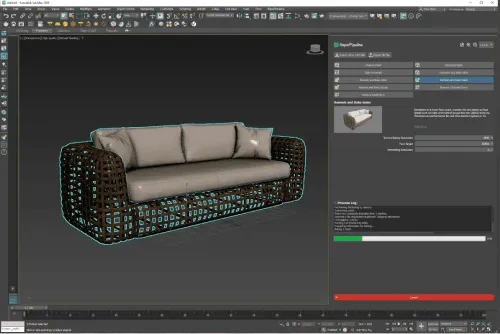
Integrated Asset Optimization, inside 3ds Max
- Advanced access to RapidPipeline features from within 3ds Max.
- Easy-to-use actions: geometry decimation, remeshing, hole baking, mesh cleanup, and much more.
- Advanced mesh reduction and fixes: smart decimation, remeshing, normals/winding cleanup, and more.
- Material and texture baking for streamlined performance.
- Make assets render-ready, without leaving 3ds Max.
Discover More Plugins

For Blender
Leverage the power of Blender with RapidPipeline 3D Processor: prepare your models, faster than ever.
Read More
For Maya
Supercharge Maya with RapidPipeline 3D Processor: import CAD and 3D files, generate UVs and more.
Read More

For Unreal Engine
Transform your workflow in Unreal Engine with RapidPipeline 3D Processor.
Read More
For Substance Painter
Use RapidPipeline right inside Substance Painter, to supercharge your 3D material workflow.
Read More