Table of Contents
Turning complex production data into lightweight, usable Digital Twins is rarely a single-step process.
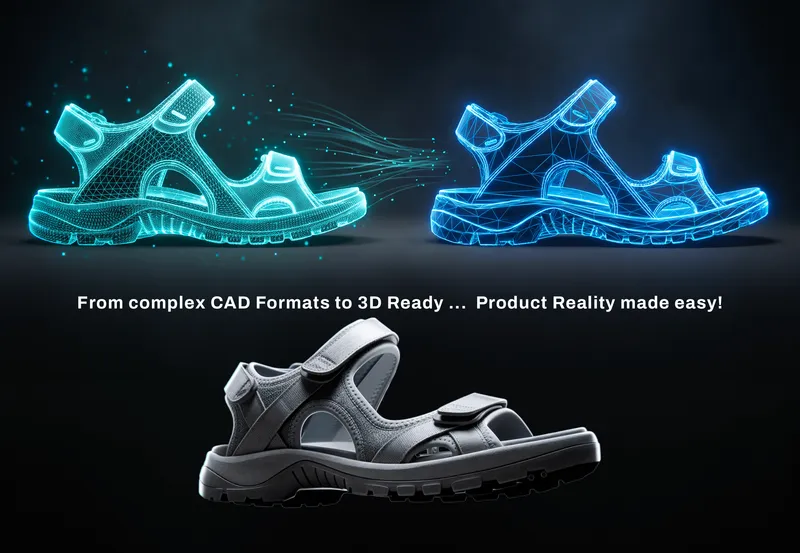
For ColorDigital, the goal was not to add another standalone tool to the DMIx ecosystem. It was to bridge the gap between CAD models built for manufacturing and real-time, render-ready 3D data that can be used in web, AR, and real-time applications.
That is exactly the problem the integration of RapidPipeline into DMIx via AppLink is designed to solve: connecting DMIx’s product and material data workflows with RapidPipeline’s CAD preparation and 3D asset optimization technology.
The result is a seamlessly integrated workflow designed to make raw 3D or CAD data easier to convert to marketing-ready Digital Twins, without forcing users to move back and forth between disconnected environments.
Why bring 3D processing into DMIx?
DMIx connects digital product data, materials and 3D workflows across the product creation process. But there is an important gap between CAD manufacturing data and the 3D model needed to experience that product digitally.
CAD data is created around engineering and manufacturing precision. But the same model may later need to run in a web shop, configurator or real-time 3D application, where file size, geometry complexity and performance suddenly matter much more. So, whats the best way to do this?
Rather than building and maintaining a separate optimization workflow, ColorDigital chose to connect specialized processing capabilities directly to DMIx.
Through DMIx AppLink, RapidPipeline can operate as the 3D processing layer within the DMIx ecosystem. Users can keep working in the environment they already know, while the complex processing happens where it belongs: in the background.

From integration concept to production workflow
Building the integration meant going beyond simply connecting two systems with an API.
The RapidPipeline and ColorDigital teams worked together to define how assets should move through the workflow and what the resulting data needed to look like for DMIx and its downstream applications.
That included aligning processing presets, output formats and compatibility requirements, as well as testing the workflow against real production data.
During the integration process, the teams worked through practical questions around CAD tessellation, UV generation, materials, textures and format conversion for real-time.
Each iteration helped refine the workflow around a simple goal: the optimized asset should arrive ready for the next stage of the DMIx ecosystem.

RapidPipeline as an embedded processing engine
The DMIx integration demonstrates an important aspect of RapidPipeline: it does not have to be another application your users need to learn.
RapidPipeline can operate as a processing engine behind the scenes, be integrated directly into platforms, services and automated pipelines through APIs.
Within the DMIx workflow, RapidPipeline provides capabilities such as:
- CAD import and tessellation
- UV generation
- mesh optimization
- PBR texture optimization
- configurable processing for different downstream 3D applications
This allows DMIx to keep the user experience within its own environment while calling RapidPipeline when specialized 3D processing is required.
For users, the underlying technology becomes part of the workflow rather than another tool they need to manage separately.

Two platforms, complementary strengths
The integration also reflects the complementary roles of both technologies.
RapidPipeline focuses on preparing and optimizing raw CAD and 3D assets for visualization, web and real-time applications.
DMIx connects those assets with the wider product context, including materials, product information and distribution workflows.
Bringing both together creates a more connected path from production data to usable Digital Twins assets.
And because the processing is embedded through AppLink, teams can continue working within their existing DMIx environment while RapidPipeline handles the specialized optimization steps behind the scenes. The technology is there when it is needed, without getting in the way of the workflow.
What we learned from building the integration
One of the key takeaways from the project is that successful 3D automation is not only about reducing polygons or file size.
The processing has to fit the system around it.
Output formats, material requirements, UVs, downstream compatibility and the intended use of the asset all influence how an automated workflow should be configured.
Working closely with the ColorDigital team allowed us to refine those requirements against practical use cases rather than designing the integration in isolation.
That collaboration is ultimately what turns a technical connection into a production-ready workflow.
What’s next
With the DMIx x RapidPipeline integration now moving into its next phase, we’ll also be taking a closer look at the workflow in an upcoming joint webinar.
Together with the ColorDigital team, we’ll explore how the integration works, what happens to the 3D data along the way and how teams can prepare complex production assets for downstream digital experiences.

For ColorDigital’s perspective on bringing geometry, materials and product data together, read their full article here:
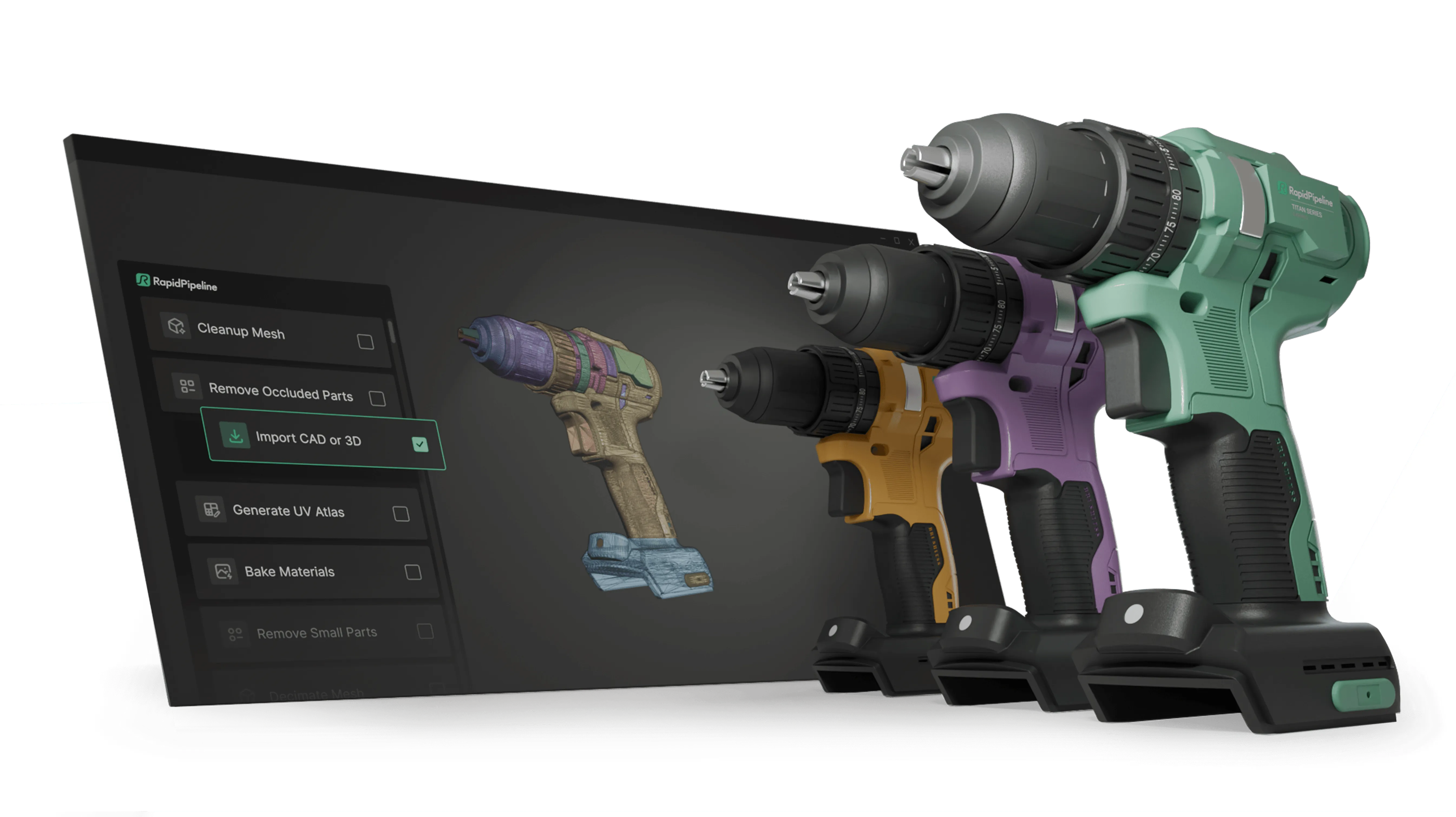
Create 3D digital twins for CGI & XR, faster than ever.
Turn your raw 3D or CAD into realistic digital twins.
Meet the Author

DGG Team
The 3D Pipeline Company
DGG is on a mission to connect the real and virtual by making 3D models as easy to handle as 2D images.