
The Complete FBX to USDZ Conversion Guide
General Information
This guide is part of the RapidPipeline 3D Formats Knowledge Database.It shows how to convert FBX to USDZ, if you'd like to know more about the formats, please check out the following links:
Converting and Optimizing FBX Files to USDZ
There are various ways to convert between FBX and USDZ. With RapidPipeline, you can easily convert and optimize FBX files, at scale. It supports USDZ, as well as many other file formats (examples: PLY, OBJ, VRM, glTF, STL, USD), at high quality.
The fastest way to convert a FBX file to USDZ is RapidPipeline Twin Studio, the desktop app (free trial available): open your FBX file, pick USDZ as output, export. If you need to process whole libraries, the RapidPipeline 3D Processor CLI runs the same engine as a batch tool that you can integrate into your own pipeline.
Convert FBX to USDZ with RapidPipeline Twin Studio - Free Trial
Download RapidPipeline Twin Studio, open your FBX file and export it as USDZ - optimized and ready to use in a few clicks. No credit card required.
⬇ Download Twin Studio & convert FBX to USDZWhat are FBX and USDZ files commonly used for?
The FBX file is a format mostly used for interactive 3D & rendering applications.
The USDZ file is a format mostly used for interactive 3D, on the Web and elsewhere (e.g., in XR).
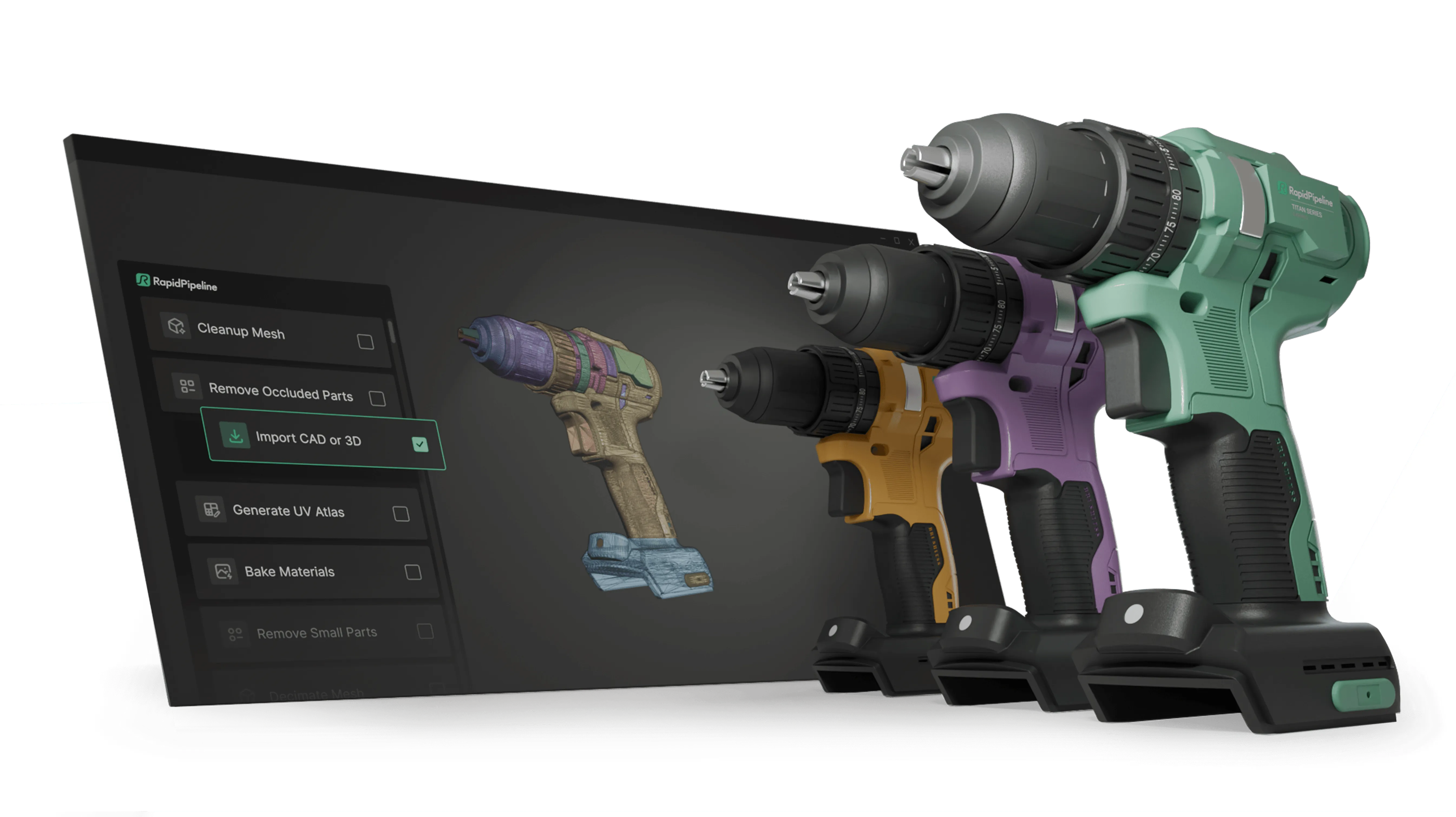
Create 3D digital twins for CGI & XR, faster than ever.
Turn your raw 3D or CAD into realistic digital twins.

Comparison of Features Supported by FBX and USDZ
| Feature | Supported by FBX | Supported by USDZ |
|---|---|---|
| PBR Materials | Yes0 | Yes |
| Transparent Materials | Yes | Yes |
| Vertex Colors | Yes | Yes |
| Materials | Yes | Yes |
| Embedded Textures | Yes | No |
| Normal Mapping | Yes | Yes |
| Procedural Textures | Partial | Yes |
| Texture Compression | Partial1 | No |
| Texture Transforms | Yes | Yes |
| Multiple UV Channels | Yes | Yes2 |
| Texturing | Yes | Yes |
| Hierarchical Scene Graph | Yes | Yes |
| Scene Composition | No | Yes |
| Scene Nodes | Yes | Yes |
| Quad Meshes | Yes | Yes |
| Free-Form Surfaces | Partial3 | Yes |
| Geometry Compression | Partial4 | No |
| Basic 3D Geometry | Yes | Yes |
| Standardized Format | No5 | Yes |
| Morph Targets | Yes | Yes |
| Skinned Animations | Yes | Yes |
| Rigid Animations | Yes | Yes |
| Animations | Yes | Yes |
Create 3D digital twins for CGI & XR, faster than ever.
Turn your raw 3D or CAD into realistic digital twins.
Limitations of FBX Files to USDZ Conversion Workflow
The following limitations should be taken into account when converting FBX files to USDZ format:
| FBX Feature (not supported by USDZ) | Limitation Details |
|---|---|
| Geometry Compression | Geometry Compression Support: FBX: Partial support | USDZ: No support   FBX Notes: FBX binary format uses zlib/deflate compression for geometry array data internally. It does not support dedicated geometry compression schemes like Draco. Impact: Geometry compression describes the process of compressing the representations of a 3D model's geometry, usually a triangle mesh. 3D geometry compression does not change the topology of a 3D model, but just changes the way that a 3D model and its 3D positions and related vertex data is stored. Geometry compression can be lossy (just like JPEG compression in image processing can be lossy, for example), in which case one might notice slight artifacts like variations in 3D vertex positions (compared to the uncompressed 3D model). However, such differences are often not noticeable. There are only very few standards for geometry compression, like glTF's support of Draco compression and similar extensions. |
| Texture Compression | Texture Compression Support: FBX: Partial support | USDZ: No support   FBX Notes: FBX does not enforce a specific image format or GPU-level texture compression. Embedded textures can use compressed formats like JPEG, but formats such as BCn/DXT are not natively supported. Impact: Texture compression refers to a process of compressing 2D texture images for memory-efficient rendering (and sometimes for efficient transmission). The decompression of compressed texture data is therefore performed on-the-fly during rendering, so that it never has to be stored in unpacked form, but can be kept as-is in GPU memory. Formats supporting texture compression methods, such as the ones offered by glTF through KTX2 containers, therefore allow 3D models to use a smaller memory footprint on the client device during rendering. This can speed up rendering time, and also make it possible to store and use larger amounts of texture data than it would otherwise be possible. |
| Embedded Textures | Embedded Textures Support: FBX: Full support | USDZ: No support   Impact: Embedded textures allow the storage and exchange of an entire 3D model and its materials within a single file, by embedding the texture images directly into the 3D file (and not storing them as separate image files). Without support for this feature, textures have to be stored in separate image files, and referenced from the main 3D model file. |
What's the best way to get FBX files into my 3D applications, and are there alternatives to using USDZ?
Doing 3D conversion right, especially at scale, can be tricky, as 3D data is in general a rather complex (yet very powerful!) medium. This also applies to FBX and USDZ files - the conversion guide above provides a rough first idea about that. Once you know what you would like to do, tools like RapidPipeline can help you perform the necessary steps, and to even automate the process for thousands or even millions of files.
Especially when introducing pipelines and workflows at scale in an enterprise context, it is usually good to rely on dedicated tools and expertise, making sure you do not introduce any steps into your 3D workflow that are detrimental to the final output's quality, or that take your team too much time (and money).
If you're interested to hire dedicated expertise from the best in the field to help your company reach your goals fast and reliably, please do not hestitate to contact DGG. Being the creators of RapidPipeline, and ambassadors for open 3D standards for more than a decade, we have been building some of the world's most advanced 3D pipelines, having processed many millions of 3D assets.
Therefore, our expertise will help you to reach your goals faster, at scale, and with the least possible friction, since we are focused on maximum interoperability.
To get started with 3D data conversion and optimization today, sign up for a free account!
If you have any questions, feel free to chat with our human team.
Create 3D digital twins for CGI & XR, faster than ever.
Turn your raw 3D or CAD into realistic digital twins.
Meet the Author

3D Knowledge Team
3D Technical Artists
RapidPipeline lets you convert, optimize and prepare your 3D models, easily. Try it today, or meet our human 3D experts. The Best-in-Class Tools for Your 3D Processing Jobs