
The Complete IGES to USDZ Conversion Guide
General Information
This guide is part of the RapidPipeline 3D Formats Knowledge Database.It shows how to convert IGES to USDZ, if you'd like to know more about the formats, please check out the following links:
Converting and Optimizing IGES Files to USDZ
There are various ways to convert between IGES and USDZ. With RapidPipeline, you can easily convert and optimize IGES files, at scale. It supports USDZ, as well as many other file formats (examples: PLY, OBJ, VRM, FBX, glTF, STL, USD), at high quality.
The fastest way to convert a IGES file to USDZ is RapidPipeline Twin Studio, the desktop app (free trial available): open your IGES file, pick USDZ as output, export. If you need to process whole libraries, the RapidPipeline 3D Processor CLI runs the same engine as a batch tool that you can integrate into your own pipeline.
Convert IGES to USDZ with RapidPipeline Twin Studio - Free Trial
Download RapidPipeline Twin Studio, open your IGES file and export it as USDZ - optimized and ready to use in a few clicks. No credit card required.
⬇ Download Twin Studio & convert IGES to USDZWhat are IGES and USDZ files commonly used for?
The IGES file is a format mostly used for CAD data exchange and interoperability.
The USDZ file is a format mostly used for interactive 3D, on the Web and elsewhere (e.g., in XR).
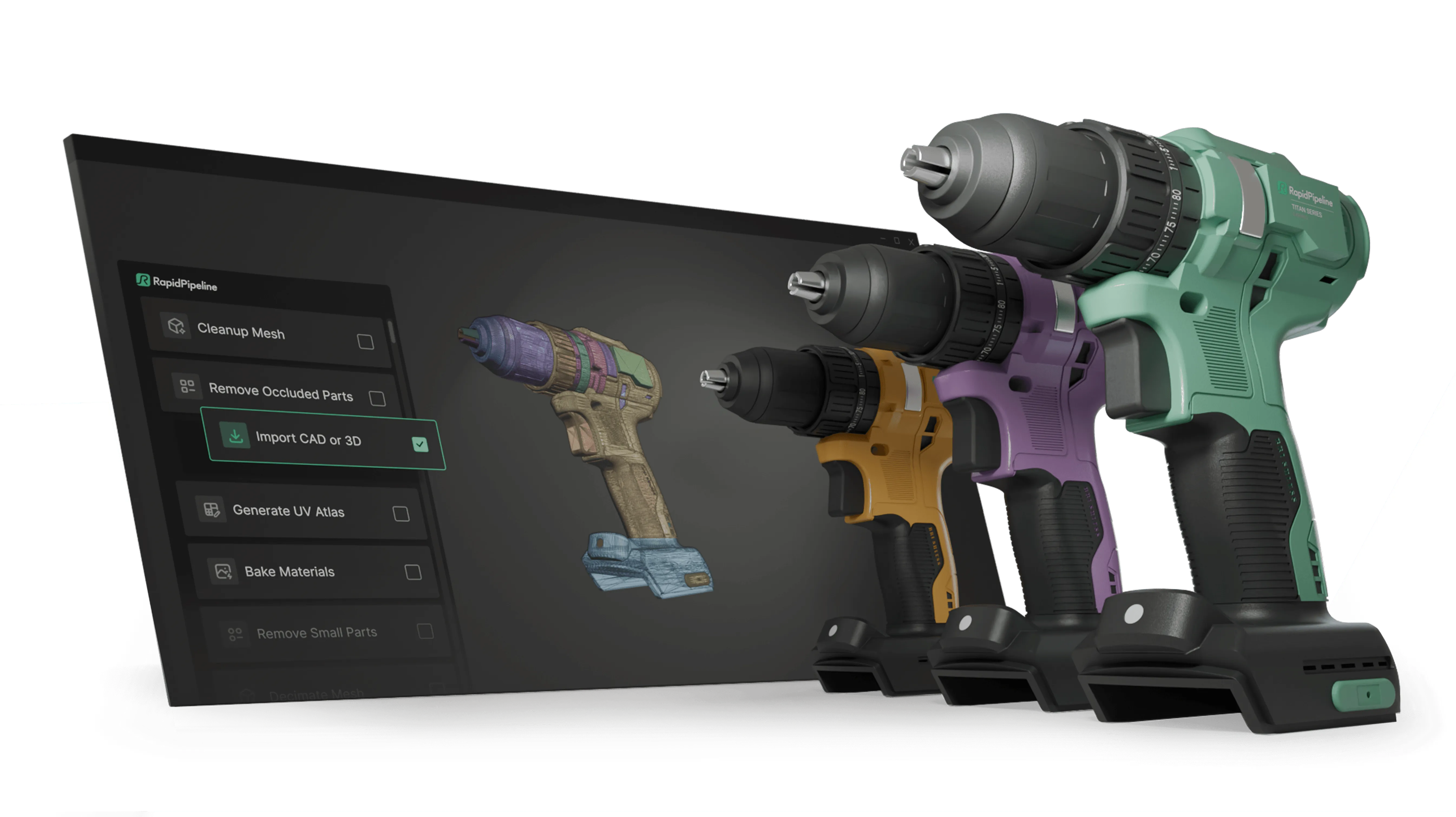
Create 3D digital twins for CGI & XR, faster than ever.
Turn your raw 3D or CAD into realistic digital twins.

Comparison of Features Supported by IGES and USDZ
| Feature | Supported by IGES | Supported by USDZ |
|---|---|---|
| PBR Materials | No | Yes |
| Transparent Materials | No | Yes |
| Vertex Colors | Partial0 | Yes |
| Materials | Partial1 | Yes |
| Embedded Textures | No | No |
| Normal Mapping | No | Yes |
| Procedural Textures | No | Yes |
| Texture Compression | No | No |
| Texture Transforms | No | Yes |
| Multiple UV Channels | No | Yes2 |
| Texturing | No | Yes |
| Hierarchical Scene Graph | Partial3 | Yes |
| Scene Composition | Partial4 | Yes |
| Scene Nodes | Yes | Yes |
| Quad Meshes | Yes | Yes |
| Free-Form Surfaces | Yes | Yes |
| Geometry Compression | No | No |
| Basic 3D Geometry | Yes | Yes |
| Standardized Format | Partial5 | Yes |
| Morph Targets | No | Yes |
| Skinned Animations | No | Yes |
| Rigid Animations | No | Yes |
| Animations | No | Yes |
Create 3D digital twins for CGI & XR, faster than ever.
Turn your raw 3D or CAD into realistic digital twins.
Limitations of IGES Files to USDZ Conversion Workflow
The following limitations should be taken into account when converting IGES files to USDZ format:
| IGES Feature (not supported by USDZ) | Limitation Details |
|---|
What's the best way to get IGES files into my 3D applications, and are there alternatives to using USDZ?
Doing 3D conversion right, especially at scale, can be tricky, as 3D data is in general a rather complex (yet very powerful!) medium. This also applies to IGES and USDZ files - the conversion guide above provides a rough first idea about that. Once you know what you would like to do, tools like RapidPipeline can help you perform the necessary steps, and to even automate the process for thousands or even millions of files.
Especially when introducing pipelines and workflows at scale in an enterprise context, it is usually good to rely on dedicated tools and expertise, making sure you do not introduce any steps into your 3D workflow that are detrimental to the final output's quality, or that take your team too much time (and money).
If you're interested to hire dedicated expertise from the best in the field to help your company reach your goals fast and reliably, please do not hestitate to contact DGG. Being the creators of RapidPipeline, and ambassadors for open 3D standards for more than a decade, we have been building some of the world's most advanced 3D pipelines, having processed many millions of 3D assets.
Therefore, our expertise will help you to reach your goals faster, at scale, and with the least possible friction, since we are focused on maximum interoperability.
To get started with 3D data conversion and optimization today, sign up for a free account!
If you have any questions, feel free to chat with our human team.
Create 3D digital twins for CGI & XR, faster than ever.
Turn your raw 3D or CAD into realistic digital twins.
Meet the Author

3D Knowledge Team
3D Technical Artists
RapidPipeline lets you convert, optimize and prepare your 3D models, easily. Try it today, or meet our human 3D experts. The Best-in-Class Tools for Your 3D Processing Jobs