RapidPipeline for Blender
Leverage the power of Blender with RapidPipeline 3D Processor: import CAD, optimize and prepare models faster than ever. All 100% locally, from your Blender UI.
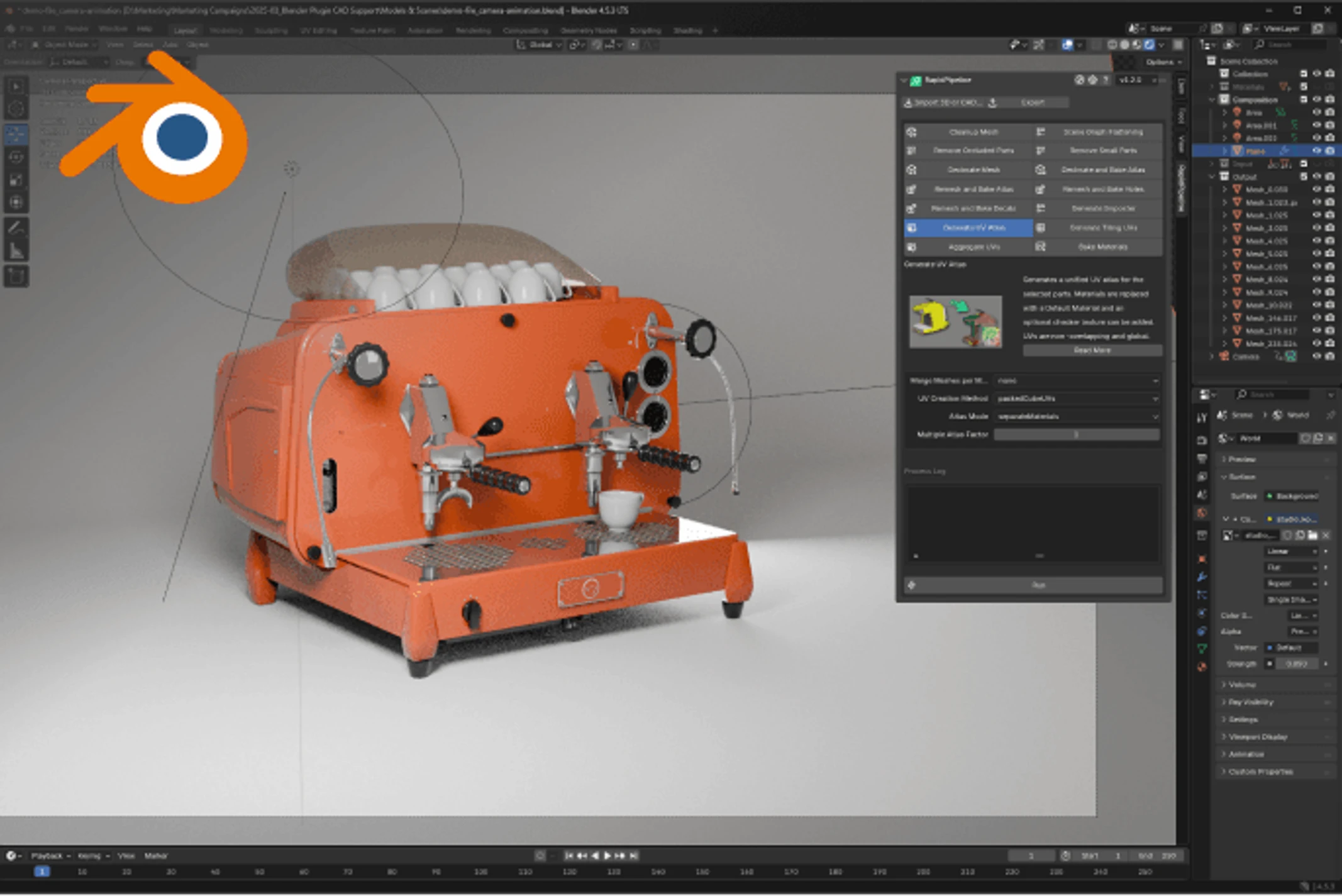

Check our Tutorials on YouTube
- RapidPipeline Blender tutorials for optimizing and preparing 3D/CAD models.
- Quick workflows for cleaning, remeshing, baking assets and more.
- Intro videos showing the add‑on basics and fast model transformation.
Learn More
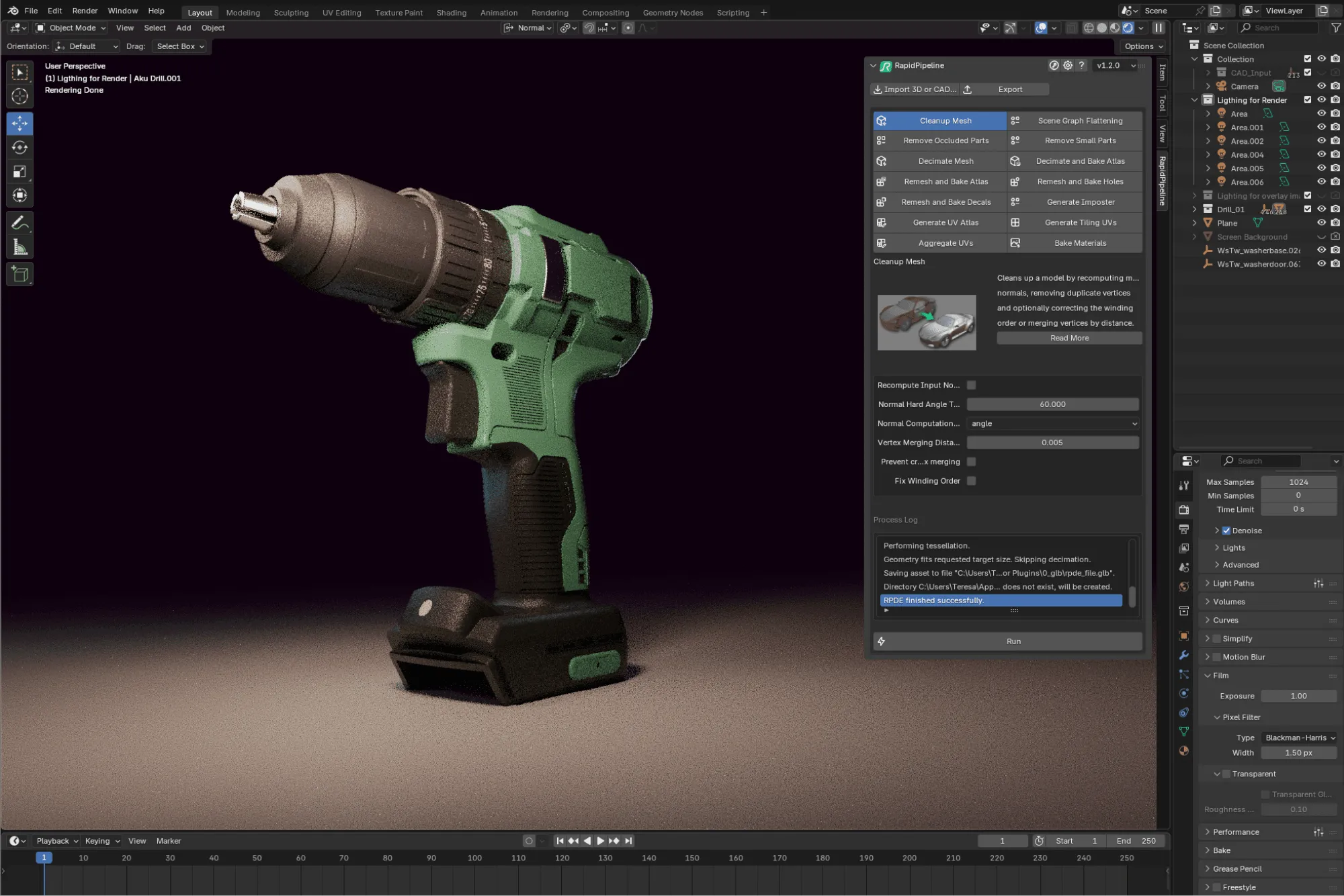
Optimize your 3D models 100% locally
- Unlimited processing, 100% locally.
- No Data-Exchange, all stays in your PC.
- Available for Windows and Mac.
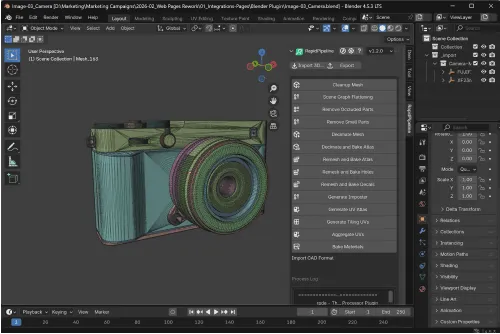
Import 60+ CAD and 3D Formats
- Load and prepare data from more than 60 different 3D and CAD formats right into Blender
- Support for industry-standard CAD formats like Rhino (.3dm), Solidworks, CATIA, PTC Creo, and many more.
- Support for standard 3D formats like glTF, USD, USDZ, FBX, and many more.
- Including sophisticated features like automated winding order correction, occluded geometry removal, and geometry simplification during import.
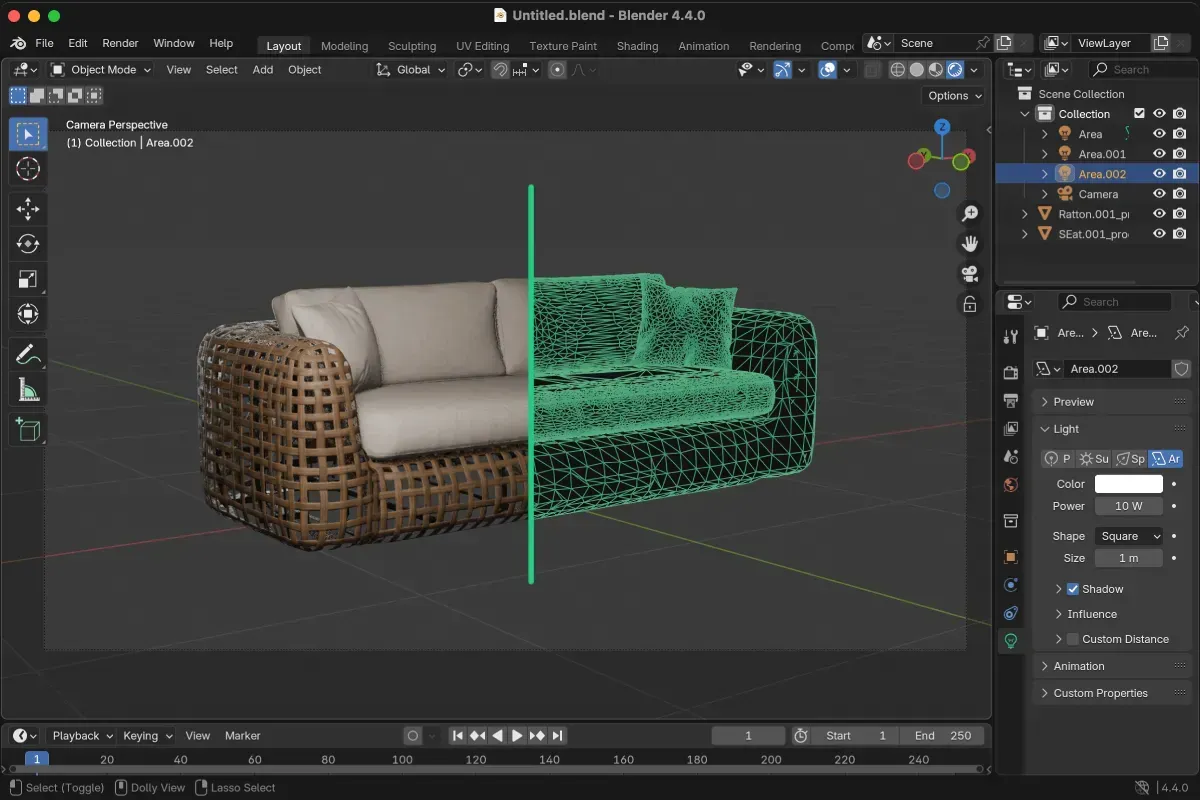
All the power of RapidPipeline, inside Blender
- Easy-to-use actions for every use case: decimation and baking, remeshing and baking holes, mesh clean up, and much more.
- Advanced geometry reduction & fix: from decimation to remeshing, including smart face targets, normals and winding order fix, and more.
- Material and texture optimization and baking to improve performance.
- Ensure that your assets are production-ready, without even leaving Blender.
Discover More Plugins
For 3ds Max
Streamline your work in 3ds Max with RapidPipeline’s 3D Processor. Import CAD, clean up meshes and more.
Read More
For Maya
Supercharge Maya with RapidPipeline 3D Processor: import CAD and 3D files, generate UVs and more.
Read More

For Unreal Engine
Transform your workflow in Unreal Engine with RapidPipeline 3D Processor.
Read More
For Substance Painter
Use RapidPipeline right inside Substance Painter, to supercharge your 3D material workflow.
Read More