3D Model of the Month - Exporting Quad Meshes with RapidPipeline
Table of Contents
Introduction
When it comes to 3D models, polygon meshes are usually built from one of two shapes: triangles (tris) or quadrilaterals (quads). And while both describe the same surface, there are certain advantages for using one or the other
For this Model of the Month, we are looking at what tris and quads are good for while introducing our new export option that allows users to convert tris to quads.
Create 3D digital twins for CGI & XR, faster than ever.
Turn your raw 3D or CAD into realistic digital twins.
Tris vs. Quads, what's the difference?
Triangles: built for performance
Triangles are the simplest polygon there is, and they're what every graphics card draws. Some advantages include:
- They’re universal & efficient: tris are supported by every engine, viewer and file format, which makes them ideal for real-time and web 3D.
- Predictable shading: a triangle is always flat, so lighting behaves consistently.
The downside shows up when you want to edit the model. Triangle meshes have messy edge flow, can cause pinching or uneven shading on curved surfaces, and are harder to subdivide, unwrap or modify.
Quads: built for artists
Quads are the preferred choice in modelling and animation workflows. Some advantages include:
- Clean edge loops: easy to select, adjust and add detail to.
- Smooth subdivision: quads subdivide evenly, giving clean, smooth surfaces.
- Better deformation: good edge flow helps models bend and animate naturally.
- Easier UVs and editing: a quad mesh is simply easier for 3D artists to read and work with.
However, GPUs still render quads as two triangles, so quads don't make a model any faster. So why export to quads?
If your model is going straight into a web viewer or game engine, triangles are perfectly fine. But if it's heading to a 3D artist for further editing or animation in tools like Blender, Maya or 3ds Max, a quad-based mesh is a more efficient starting point.
Example: a GLB file in RapidPipeline TwinStudio
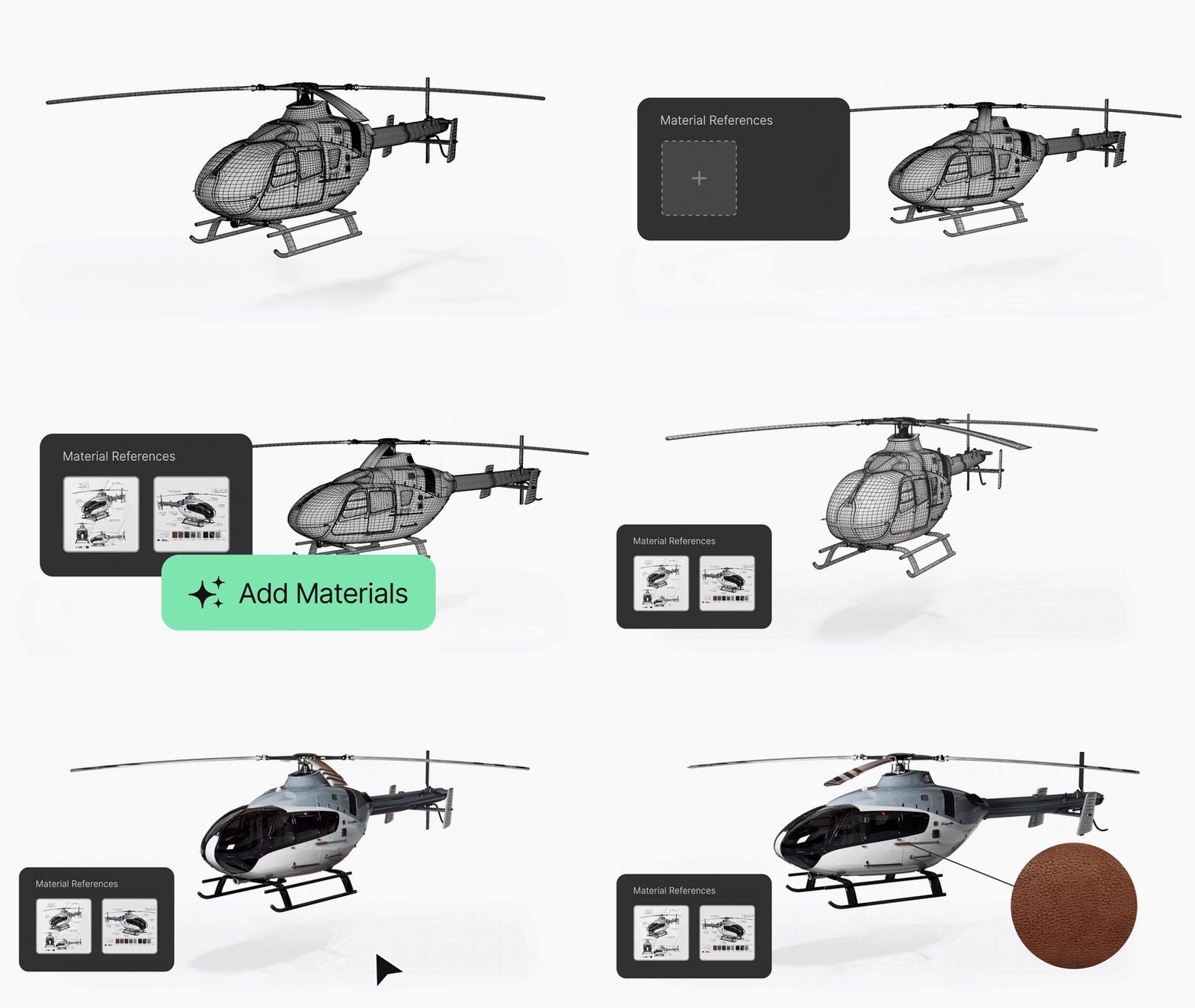
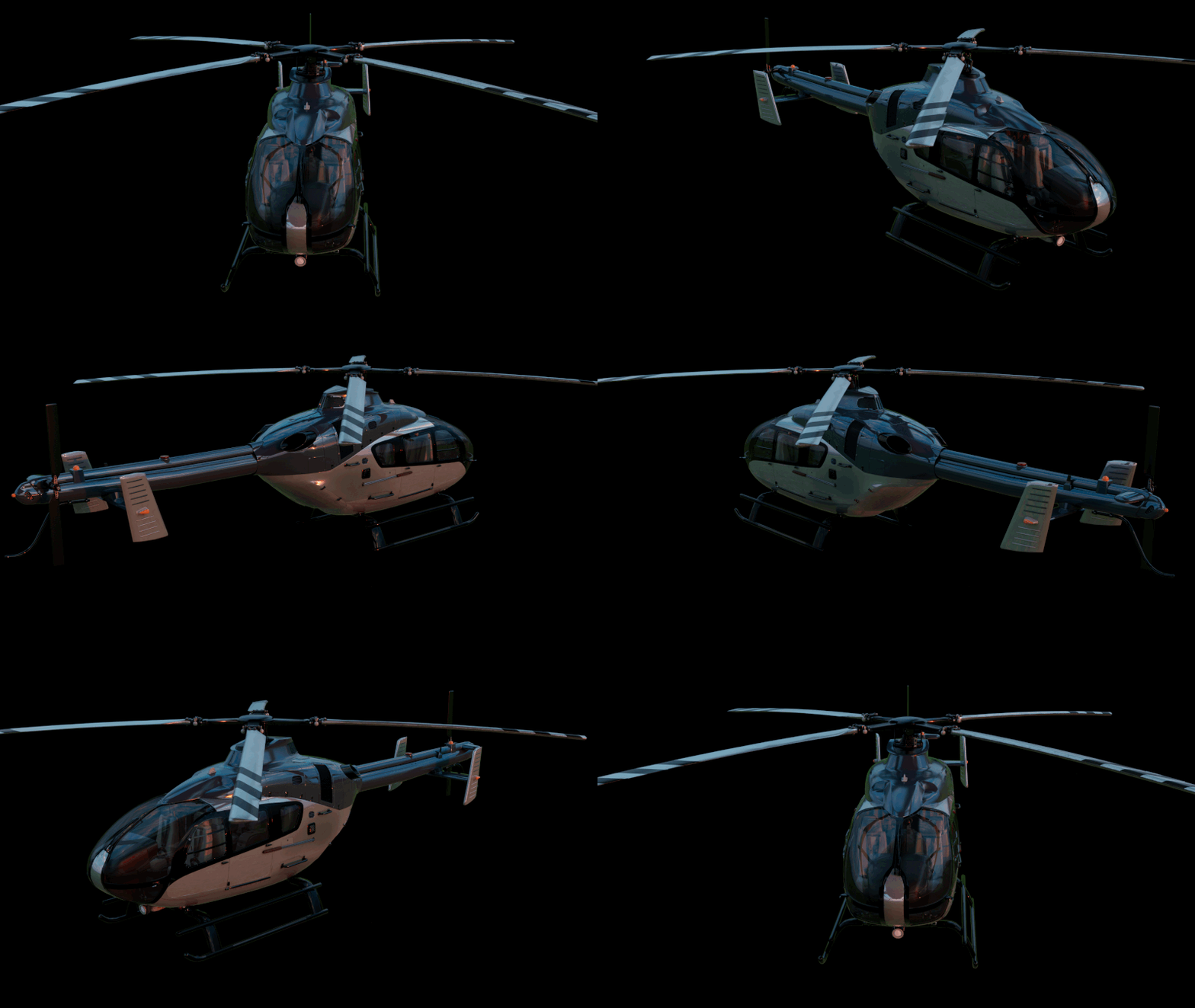
To showcase this new setting, we will be using a glb sample file of a Helicopter. 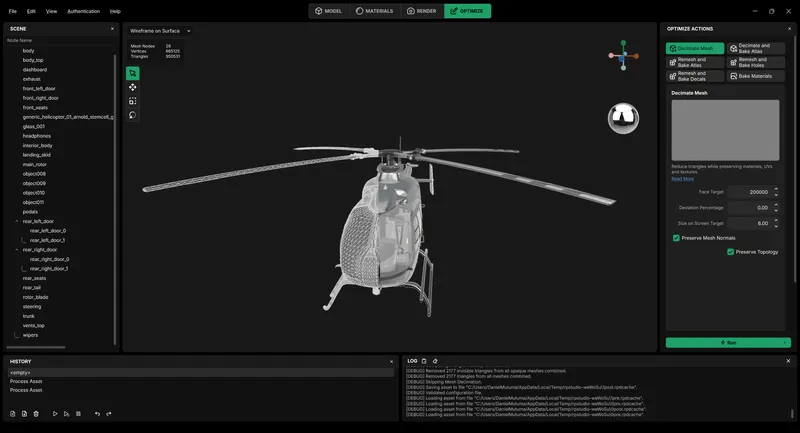
This source model already has great topology, but since it was exported as a glb file, a format that does not support quads, it is a great example to showcase how RapidPipeline can be used to optimize a model that is intended to either be edited or animated by an artist further along the pipeline.
To start off, the model has a lot of faces, around 960K in total. We can run the decimate mesh action with the preserve topology setting enabled to reduce the total face count, without altering the topology too much.
Once that is done, we can also remove any hidden and unnecessary meshes using the Occlusion Culling action. The final result is a model with 250K faces. 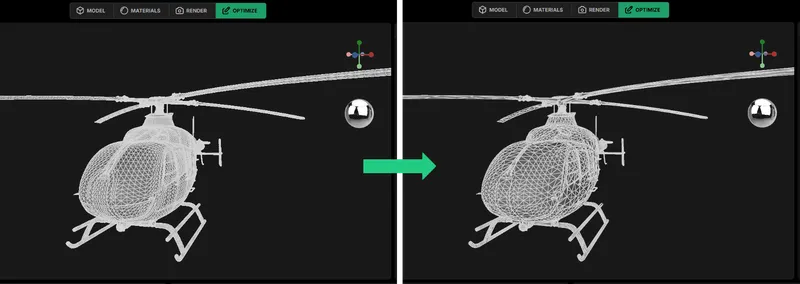
Finally, we exported the model as a USD file with the new “Export Tris to Quads” option enabled. And just like that, the triangles are merged into quads wherever possible. 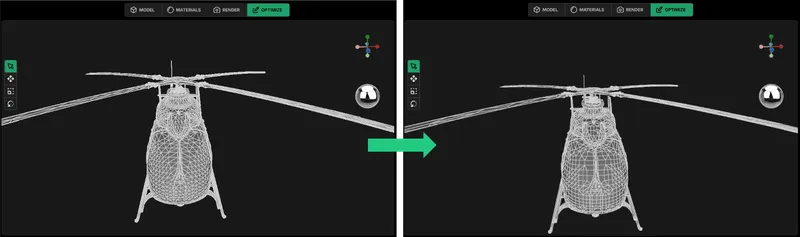
Note that this isn't retopology. The option pairs up existing triangles into quads without moving any vertices, so the shape stays the same. Areas where triangles can't be paired cleanly stay as triangles.
Create 3D digital twins for CGI & XR, faster than ever.
Turn your raw 3D or CAD into realistic digital twins.
Results & Conclusion
The final result is a 48 MB USD file with about 250K faces, now mostly quads, ready to be opened and edited in your 3D software of choice.
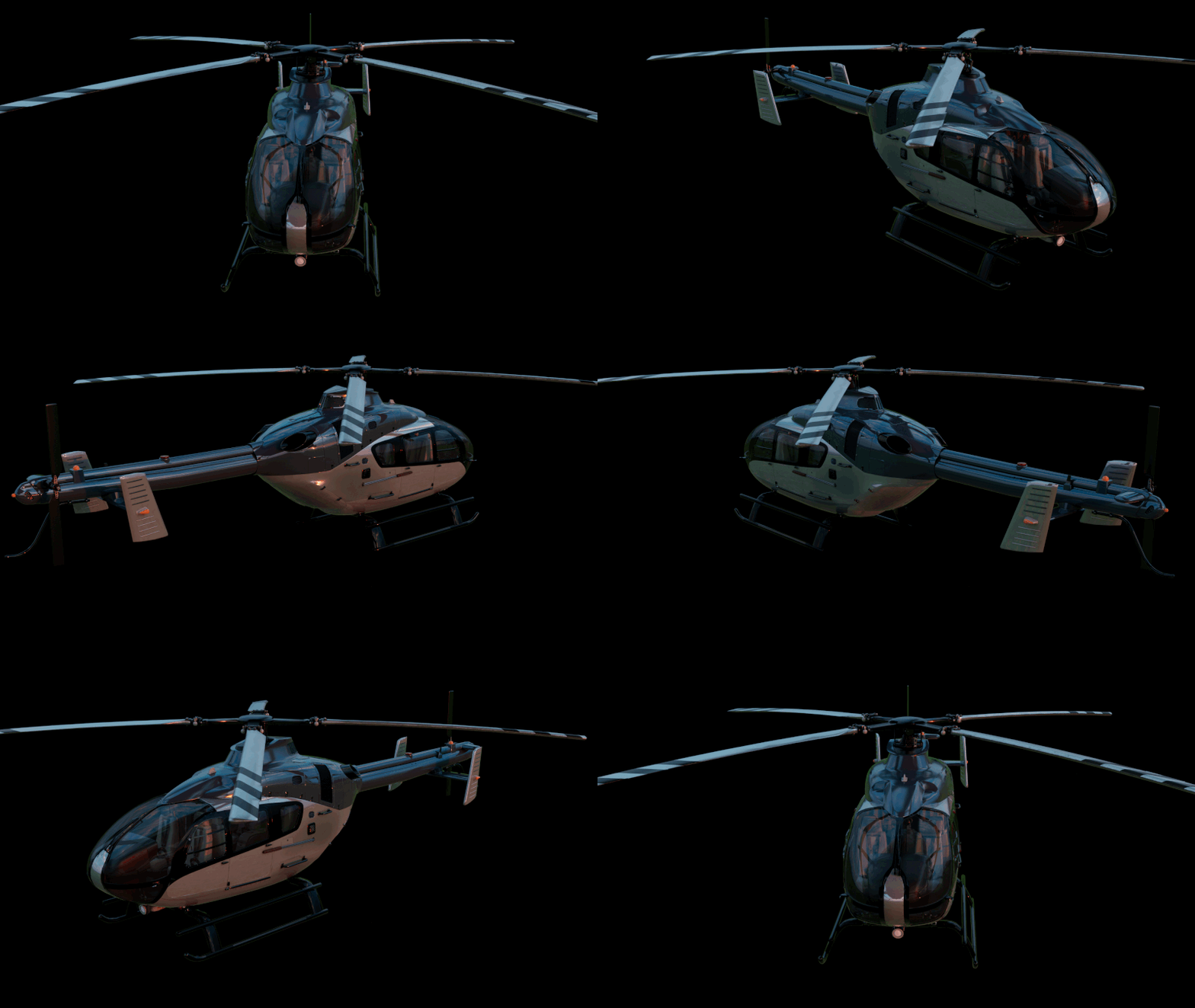
While triangles are a great option for finalised real-time assets, quads make it a lot easier when a model needs further work. With this new setting, RapidPipeline can now deliver optimized geometry in a format artist are more comfortable working with.
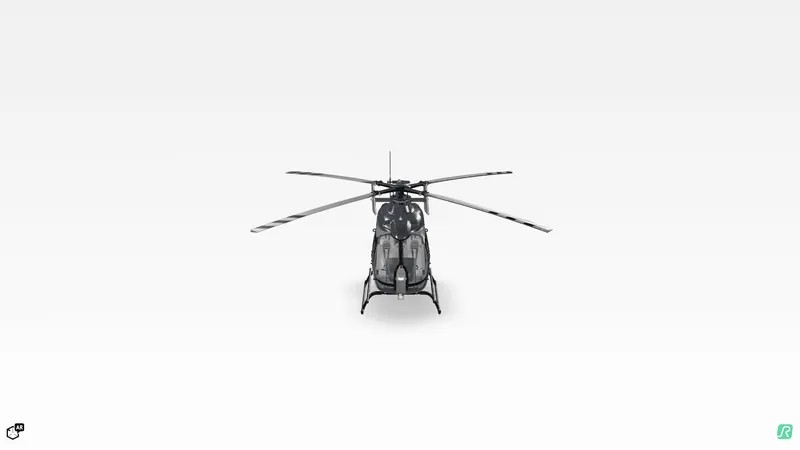
You can explore the final model in our interactive viewer below.
Meet the Author

Daniel
Technical 3D Artist
Daniel is a 3D Technical Artist at DGG, where he specializes in converting CAD data into optimized, real-time-ready 3D assets and digital twins. Alongside creating visualizations in Unreal Engine and Blender, he supports enterprise clients with their 3D workflows and is responsible for software QA. With a degree in Expanded Realities from Hochschule Darmstadt and early experience developing VR experiences in Unreal Engine, Daniel is passionate about 3D, XR and digital twins, and about finding the balance between visual quality and real-time performance.
You might be interested in