One Tool, Multiple Workflows: What You Can Do with RapidPipeline Twin Studio
Table of Contents
- Introduction: What is RapidPipeline
- Cleanup Mesh: Fix common mesh issues
- Material Assignment: Apply, edit and create Materials
- Render - Offline or Real-time: Easily create 360° renders with a customizable frame count.
- Optimization and Export – Quickly compress your model
- Fast, Easy and Render-Ready Outputs
Introduction: What is RapidPipeline
Turn complex CAD data into polished, render-ready 3D assets with RapidPipeline Twin Studio, our standalone app. From importing and optimizing your CAD model to assigning materials from a library, to creating high-quality renders, your entire workflow is streamlined in one place. Add a 360° view to showcase your product from every angle, then export the final asset with optimized geometry for efficient use across web applications.
RapidPipeline enables you to optimize and clean up complex CAD meshes, often featuring detailed interior components such as screws, bolts, circuit boards, holes, and complex assemblies.

Cleanup Mesh: Fix common mesh issues
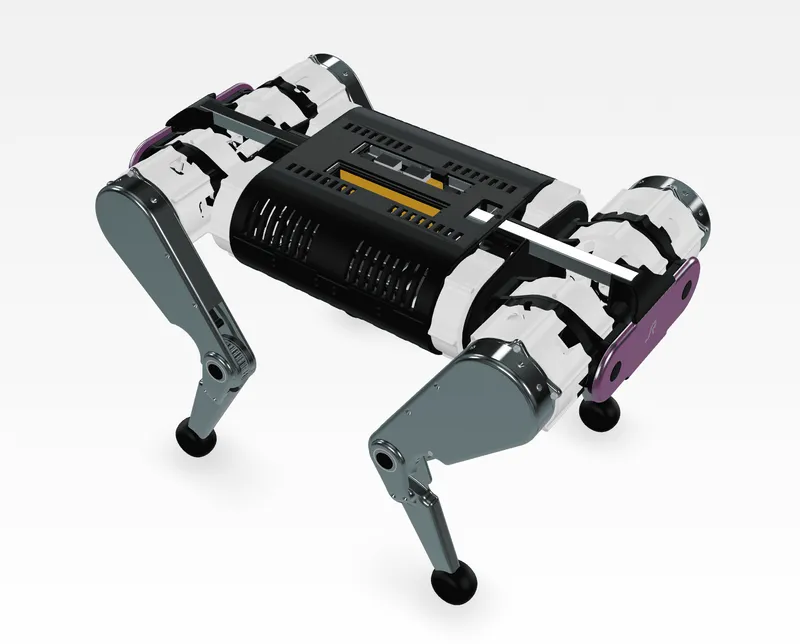
For example, here is a CAD model of a Robot Dog, Cooper. This asset is a great example for medium complex CAD assembly, containing several intricate interior components and numerous holes as seen in the images below.

- Remove Occluded Parts: Remove any hidden, inner geometry.
- Remove Small Parts: Filter and remove small parts. This workflow is useful with trims, bolts, screws and similar small parts.
- Defeature Solid Holes: Identifies and fills holes with interior surfaces, such as screw holes. Holes can be pass-through holes or dead-end holes.
This helped us to decrease the face count from 3,16 million faces to 2,13 million faces. With just a few clicks, RapidPipeline Twin Studio cleans up your CAD meshes and resolves common geometry issues, saving you countless hours of frustrating manual work!

Material Assignment: Apply, edit and create Materials
Now, you can easily assign materials to your model using an extensive material library, then customize them to achieve the desired look and feel. Adjust existing materials or create new ones from scratch to match your product’s appearance. Twin Studio gives you the flexibility to prepare your model for high-quality rendering.

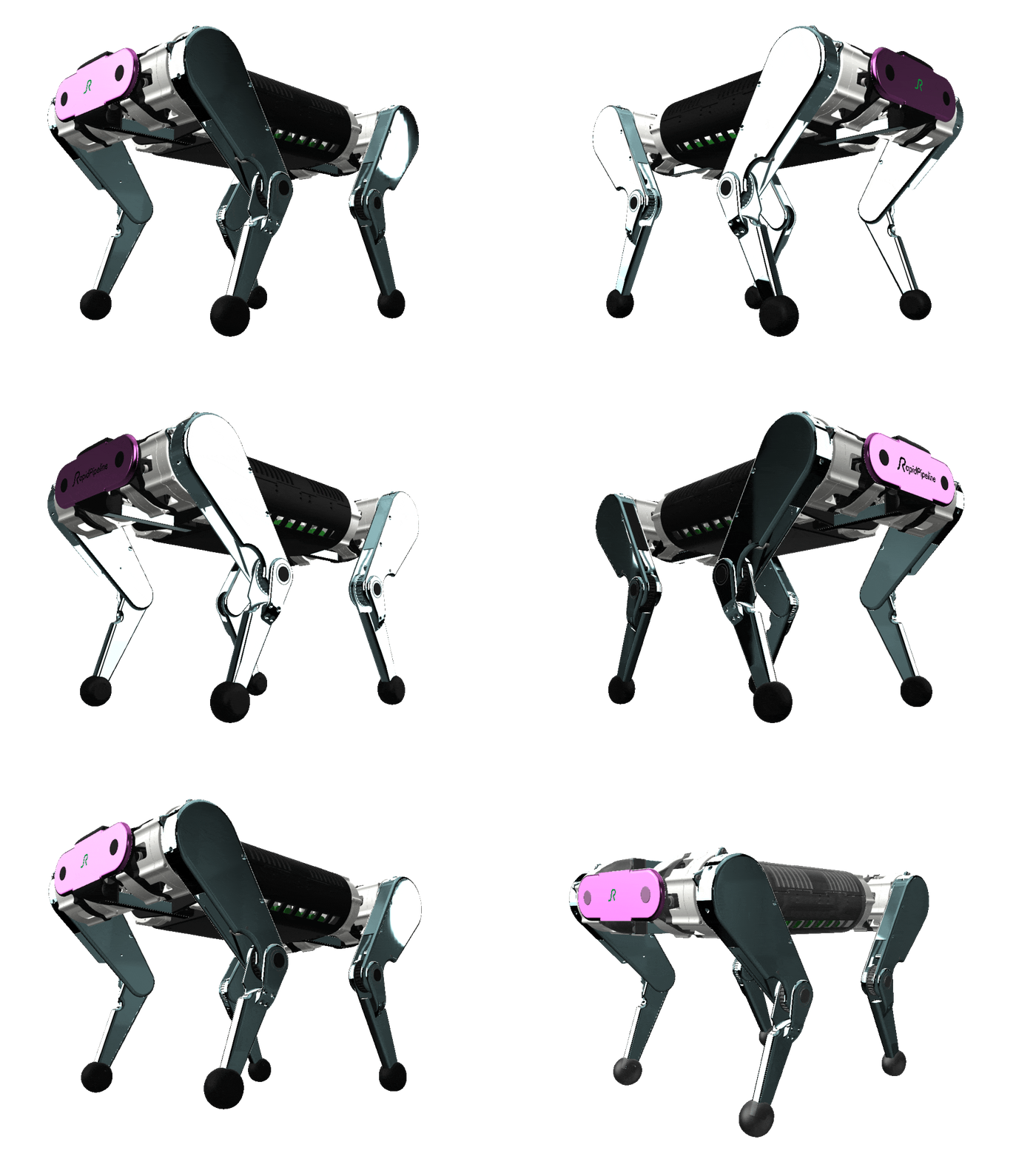
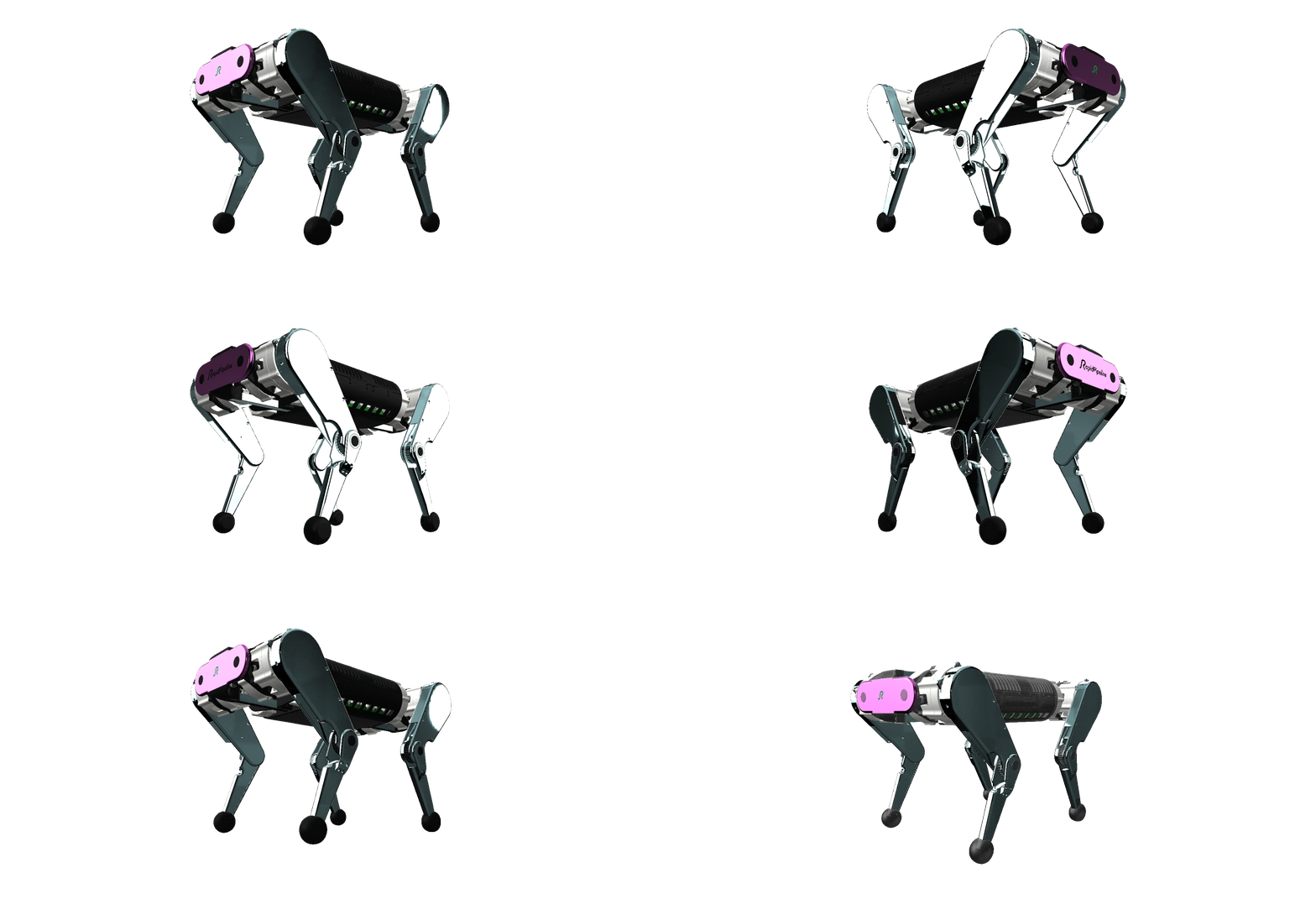
Render - Offline or Real-time: Easily create 360° renders with a customizable frame count.
Showcase your product from every angle with smooth, interactive 360° renders. TwinStudio lets you customize the frame count to control the level of detail and smoothness of your rotation. Generate a complete 360° product view ready for presentation or digital use or save single render frames in our Real-time or Offline renderer, easily within seconds.
Optimization and Export – Quickly compress your model
We offer a variety of methods to optimize and bake your mesh. Twin Studio can either decimate or create a new mesh with Remeshing actions while baking the materials into an optimized texture atlas. Our standalone app helps you achieve a lightweight, render-ready asset while maintaining the visual quality.
Users can now compress their models with Geometry Compression and adjust texture resolution and other useful settings for further use outside of the app! This helped us to reduce the size of the input model from 211 MB to merely 8,7 MB.

Fast, Easy and Render-Ready Outputs
From cleaning up complex CAD meshes and assigning materials to creating 360° renders and optimizing your final asset, RapidPipeline Twin Studio brings the entire workflow together in one place. What once required multiple tools and time-consuming manual steps can now be streamlined into a simple, efficient process.
Ready to transform your CAD models into optimized, render-ready assets? Explore what RapidPipeline Twin Studio can do! Sign up here for a free trial.
Check out the model here:
Meet the Author

Hue
Technical 3D Artist
Hue is a 3D Artist / QA Artist / UI+UX Designer at DGG. Working with leading retailers, DGG is on a mission to automate 3D asset optimization workflows for Web, mobile and XR targets - for e-commerce, and beyond. Hue has previously worked for firms that specialize in VR/Real-time projects and her field of expertise is 3D Environment Art and Unreal Engine.