
Introduction
This month we are focusing on part 4 of our complex “Restaurant Scene” Series!
While these meshes are not overly complex, they contain unnecessary geometry that can quickly add up and negatively impact performance. Our tool eliminates that bottleneck and frees artist from tedious manual cleanup so they can dive straight back to the creative work. In this edition, we show you a practical example of our Action “Decimate Mesh” on this chair model.
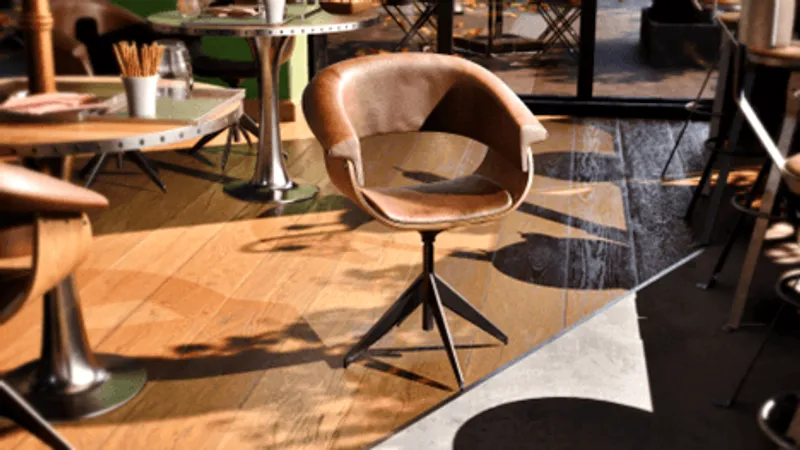
Image 1: Chair Model in the Restaurant Scene
1. RapidPipeline: Why this is a big deal for 3D Artists
RapidPipeline comes as handy Plugins for the most common 3D tools:
Unreal
Substance Painter
Maya
3dsMax
Blender
Our plugin brings seamless integration: RapidPipeline adapts to your workflow, helping you clean, optimize, and prepare 3D models with just a few clicks.
Why is this a big deal? Because you can now:
Import 30+ CAD formats natively into Unreal
Optimize complex models automatically (either whole model, or only selected parts)
Apply RapidPipeline’s easy-to-use Actions for baking, optimization and more!
In this post, we’ll focus on one of the most powerful Actions: “Decimate Mesh”.
2. How to use the Plugin to Optimize Models with Decimation – easy and fast!
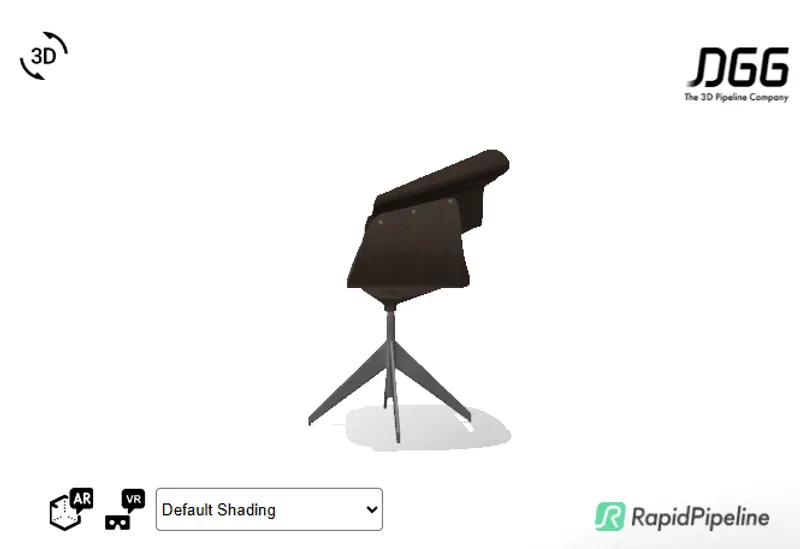
The chair features smooth, flowing curves that create an elegant appearance, at the cost of increased geometric complexity, resulting in a face count of approximately 150,000.
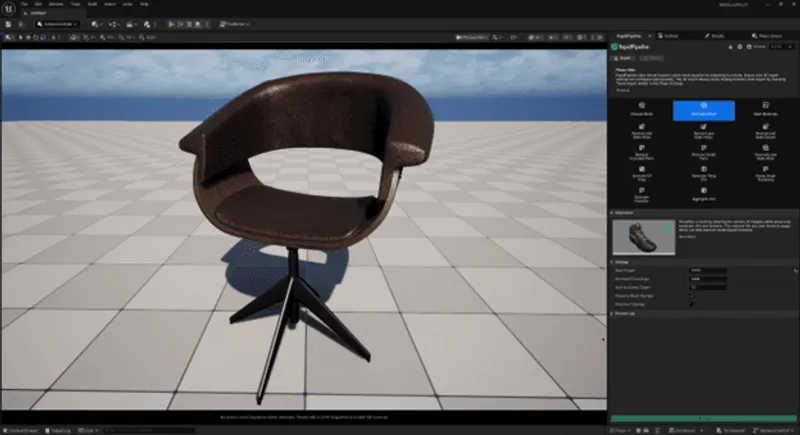
Image 02: Chair Before
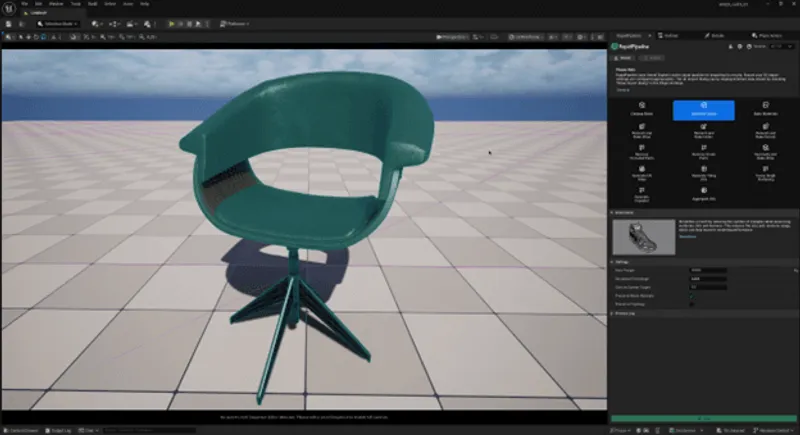
Image 03: Chair Before with Wireframe
Let’s look at an Action that can help us out here: “Decimate Mesh”.
Decimation simplifies 3D models by reducing the number of triangles while preserving materials, UVs and the textures. This also reduces file size and memory usage which can positively impact rendering performance – that sounds exactly like the solution to our problem.
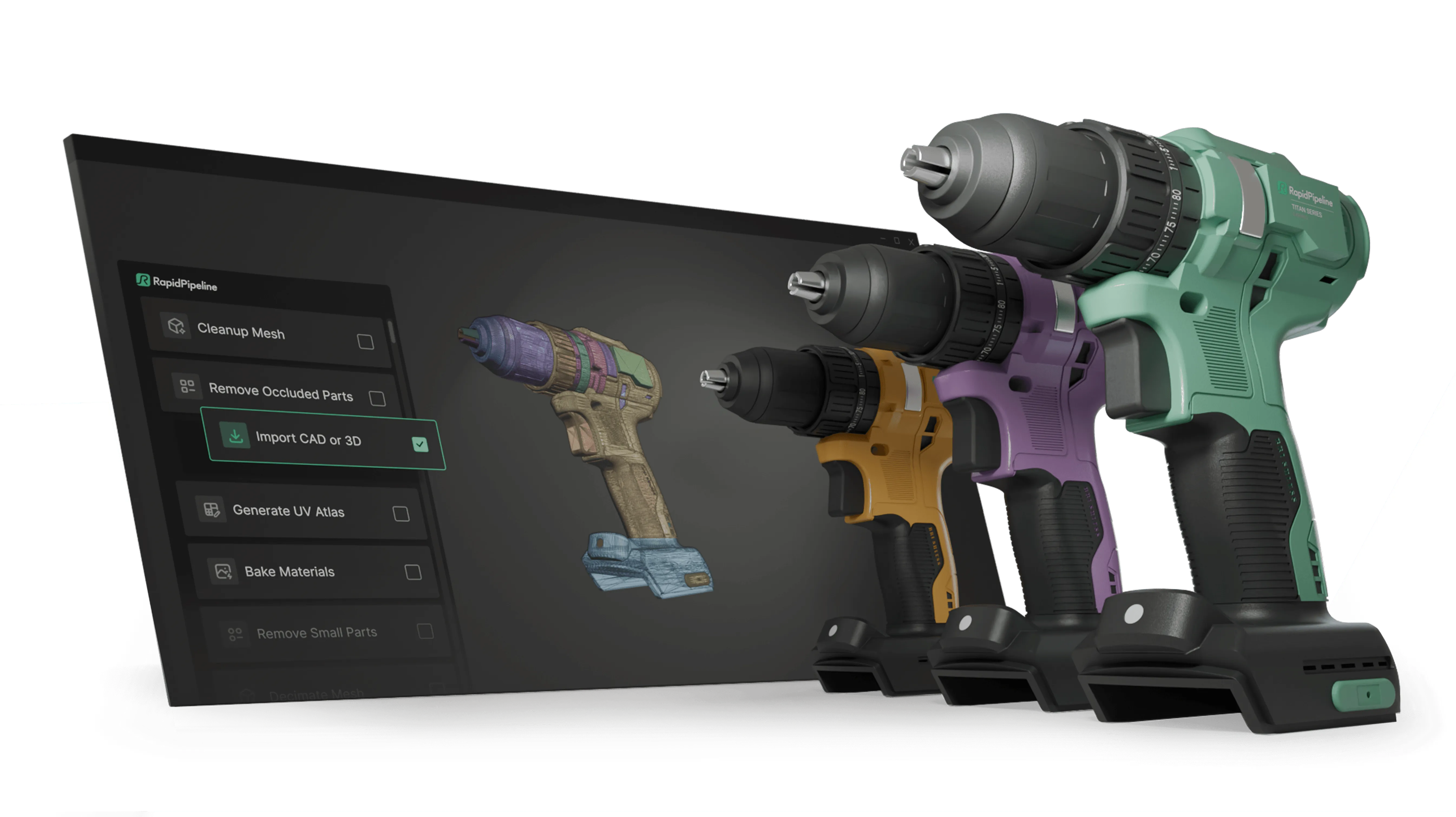
Now, make sure to select the chair and then input the desired face count. We chose a limit of 20k Faces. Click on the Run button and enjoy the result within seconds!
Create 3D digital twins for CGI & XR, faster than ever.
Turn your raw 3D or CAD into realistic digital twins.
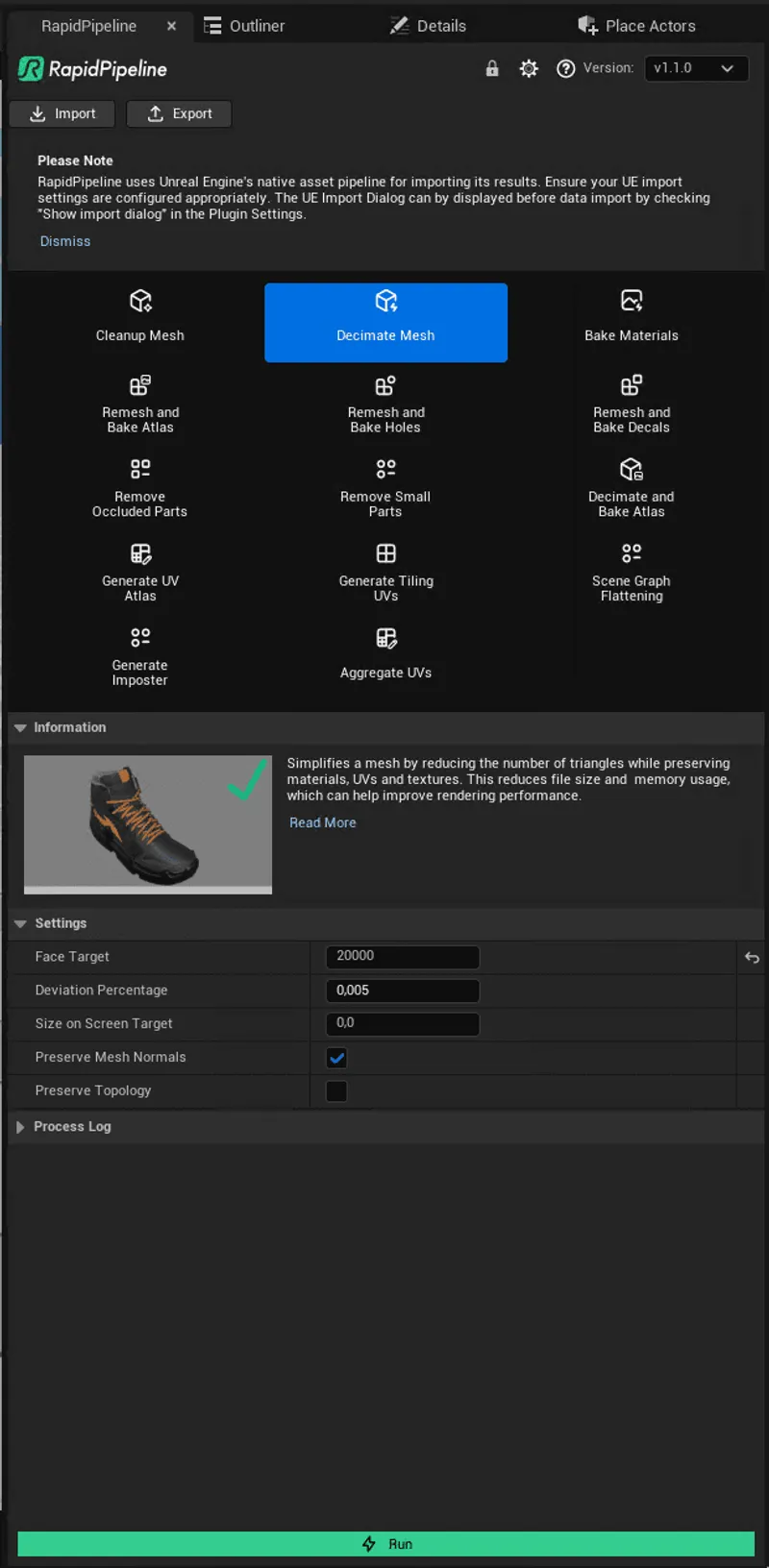
Image 04: Action Window, Decimate Mesh is enabled and the Face Target is set to 20k
3. Result: Lightweight and high-performance
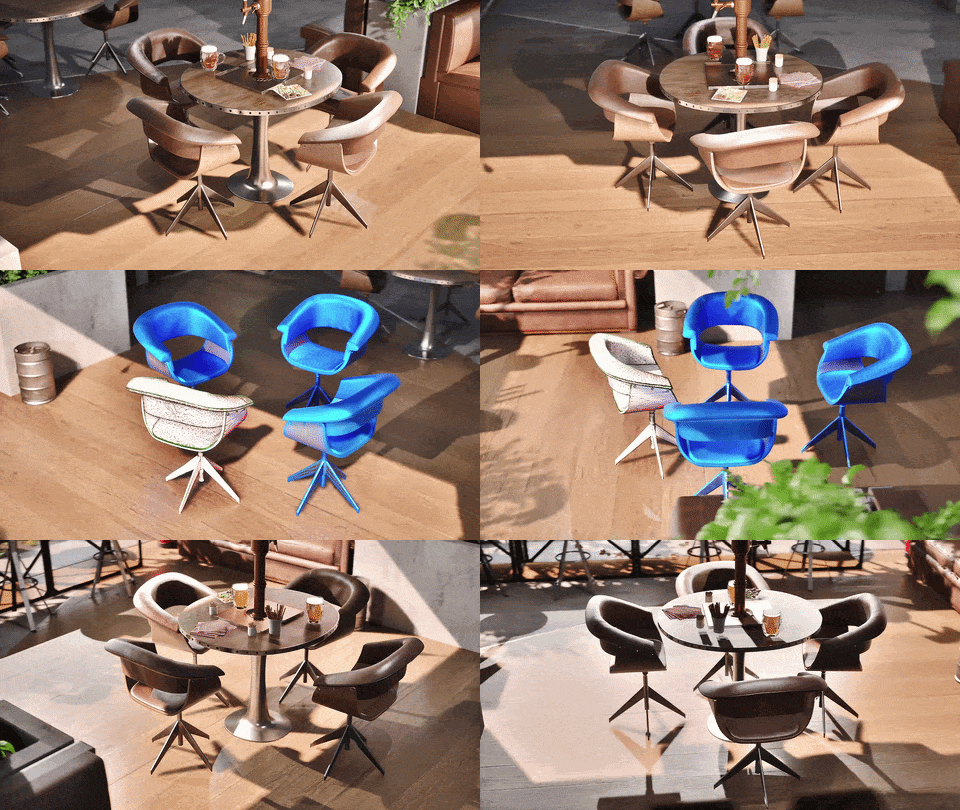
The final optimized chair has only 20k faces in comparison to the original 150k.
The input model is on the left, contrasted with the optimized output on the right.
All the quality has been correctly preserved, making them indistinguishable.
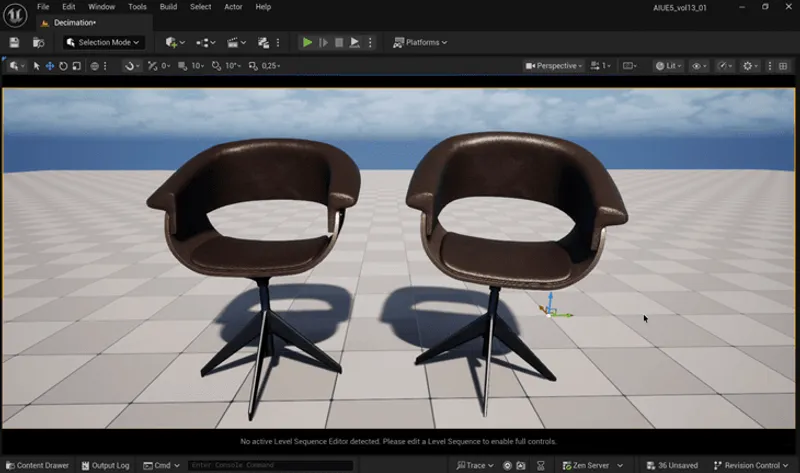
Image 05: Before (left) and after (right)
The difference in face density is quite significant, particularly visible on the armrest and on the seat.
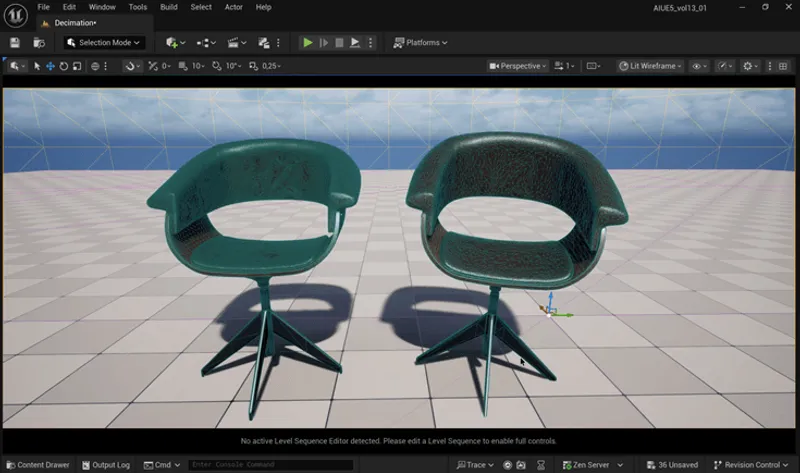
Image 06: Before (left) and after (right) with green wireframe
The result is the same high-quality look as the original, but with a drastically reduced face count and improved performance.
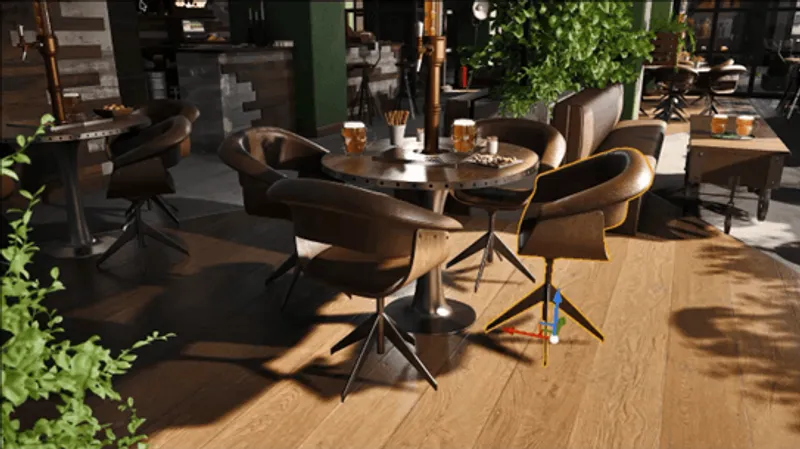
Here is the optimized chair next to the other input models in the Unreal Scene, and
it seamlessly integrates with the others.
Create 3D digital twins for CGI & XR, faster than ever.
Turn your raw 3D or CAD into realistic digital twins.
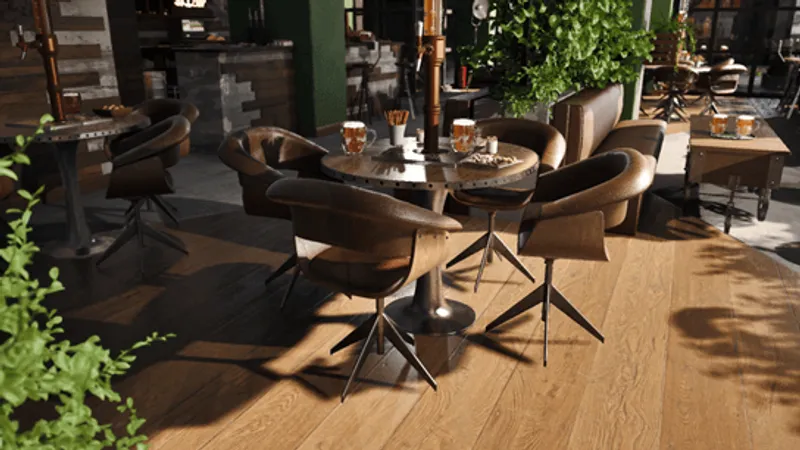
Image 07: Optimized Chair in Scene next to unoptimized chairs
Can you spot the optimized chair? 😊 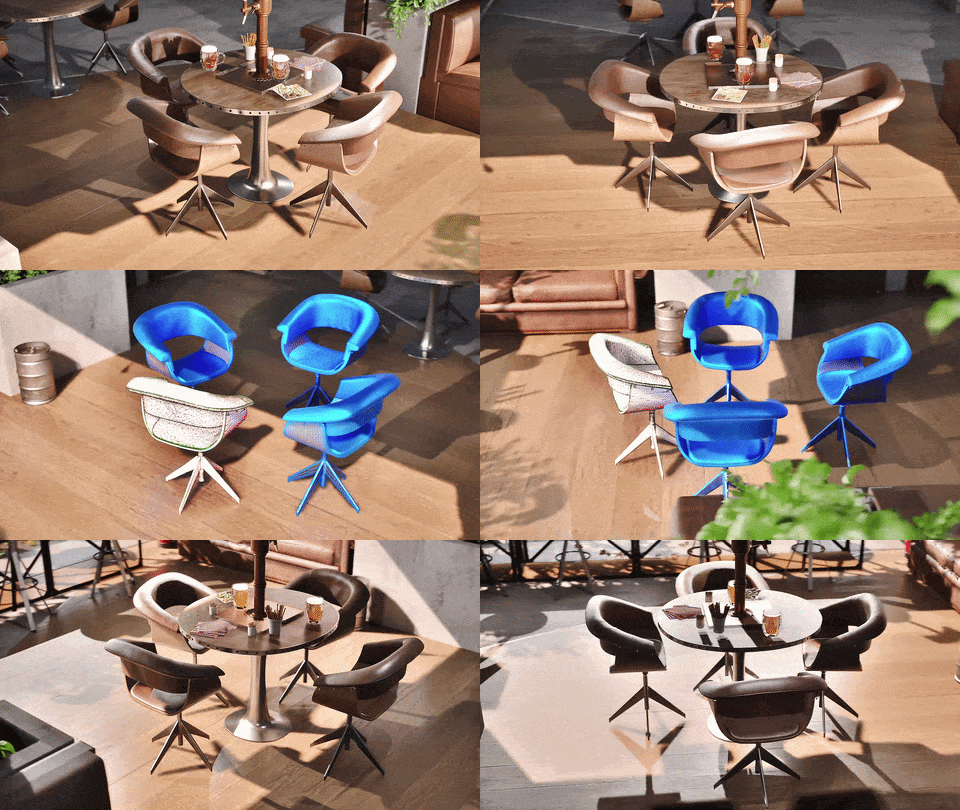
Meet the Author

Hue
Technical 3D Artist
Hue is a 3D Artist / QA Artist / UI+UX Designer at DGG. Working with leading retailers, DGG is on a mission to automate 3D asset optimization workflows for Web, mobile and XR targets - for e-commerce, and beyond. Hue has previously worked for firms that specialize in VR/Real-time projects and her field of expertise is 3D Environment Art and Unreal Engine.
You might be interested in